IAM Policy Wizard in MSP360 Explorer for Amazon S3
MSP360 Explorer for Amazon S3 is a freeware product that helps managing Amazon S3 storage. This article explains how to use its IAM Policy Wizard. The wizard allows you to create a number of users, and grant them a set of common permissions to a number of buckets and generate Login Profiles.
IAM support in MSP360 Explorer
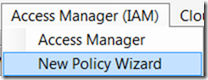
1. Run New Policy Wizard from the main menu:
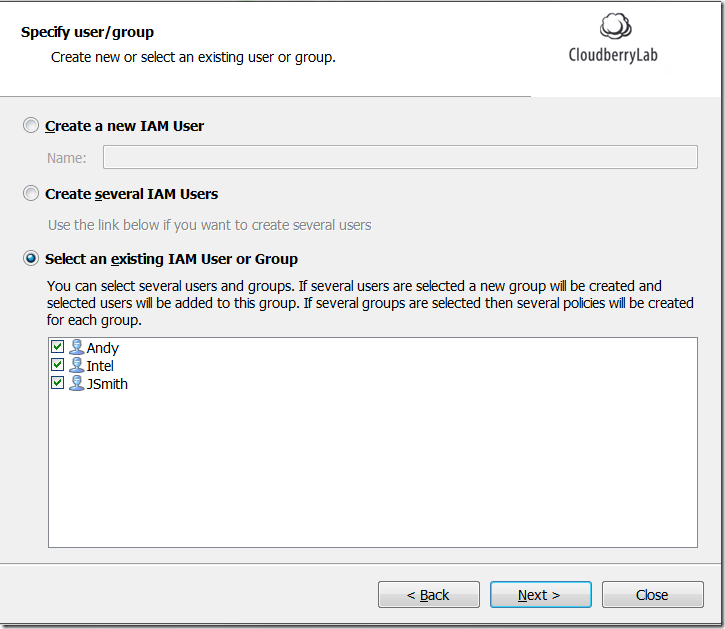
2. Select / create users:
3. Select a predefined permission set:
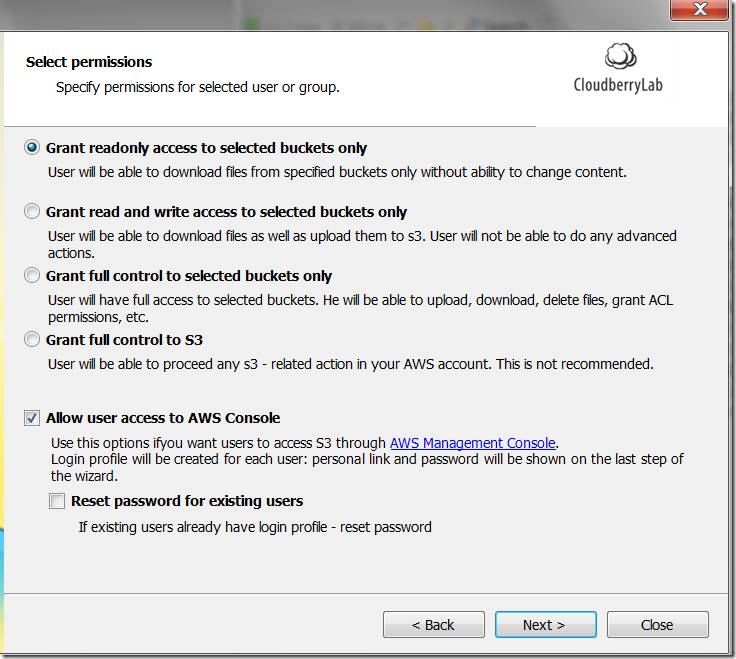
Note: you can also create Login Profiles for the IAM users so that they can access AWS Console. Learn more about Login Profiles here.
4. Select buckets.
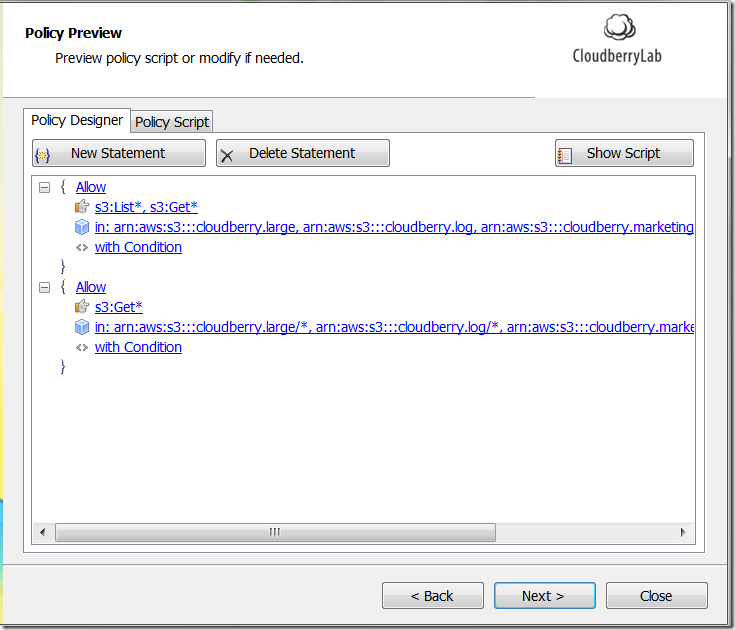
5. Generate Policy:
As always we would be happy to hear your feedback and you are welcome to post a comment.
Categories