Set Storage Limits per Destination at the Company Level in MSP360 Managed Backup


We’re excited to introduce a new release with the ability to set storage limits per destination (bucket or local) at the Company level.
With this release, users can apply different per-company storage limits for local and cloud storage separately, which helps with more precise and granular storage costs control by setting stricter limits on cloud while keeping local storage more flexible.
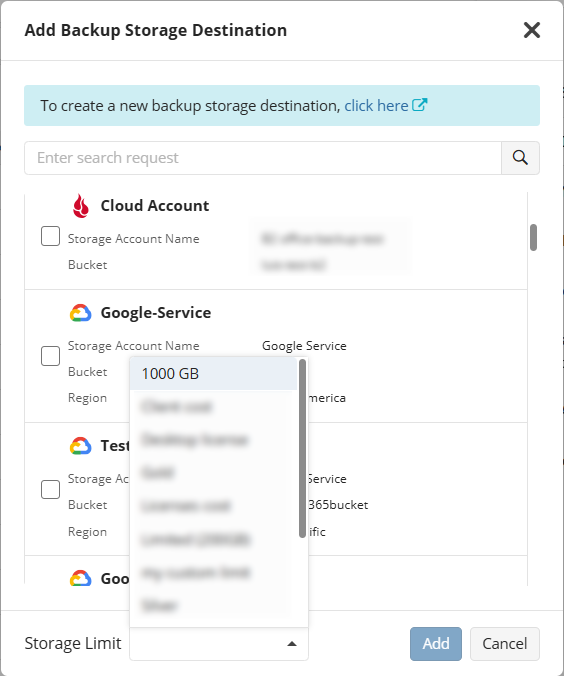
To add a new backup destination with storage limits or edit an existing one, go to the Organization tab, open the Companies section, and click the plus icon on the left to add a new destination, or the Edit button to modify an existing one. Then, in the slide-in panel that appears, select Backup Destinations.
We value your feedback and encourage you to share your thoughts on our forum, feedback portal, or via the contact form.
Simple. Reliable.