
FREE Backup Software
Powerful freeware cloud backup software for personal use on Windows, macOS, and Linux.






Why MSP360 Free Backup Software?
Windows Free Backup
Download Free Backup for Windows
Works on

macOS Free Backup
Download Free Backup for macOS
Works on
Linux Free Backup
Download Free Backup for Linux
Works on
MSP360 Free Backup Features
MSP360 Free Backup is designed to provide complete backup capabilities for personal users in a simple and flexible way. The free version comes with all essential features to ensure your personal data is protected, including:
Simple to configure
File and Folder Backup
Image-Based Backup
Client-Side Encryption
Object Lock
Backup Scheduling
Retention settings
Bandwidth throttling
File versioning
Item-level Restore
Local backup
Cloud backup
Block-level backup
Command Line Interface

Getting Started with MSP360 Free Backup
New to MSP360 Backup Free? Explore our video overview and step-by-step guides to learn how to create a backup plan, connect your storage, and restore your files.
MSP360 Free Backup Overview

Product Interface
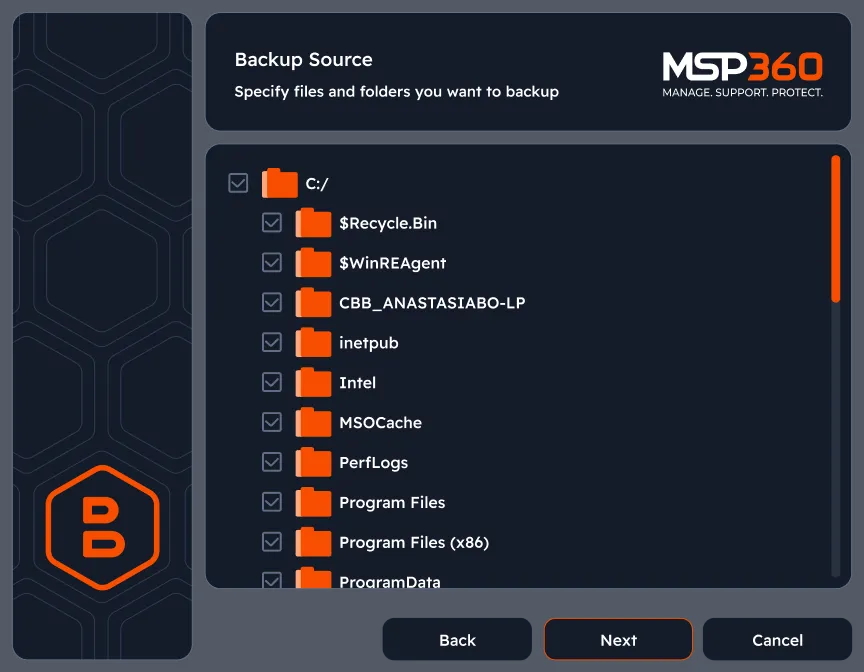
Choose files and folders to back up
Choose specific drives, files, or folders on your personal computer for backup, including external drives and a single network share location.
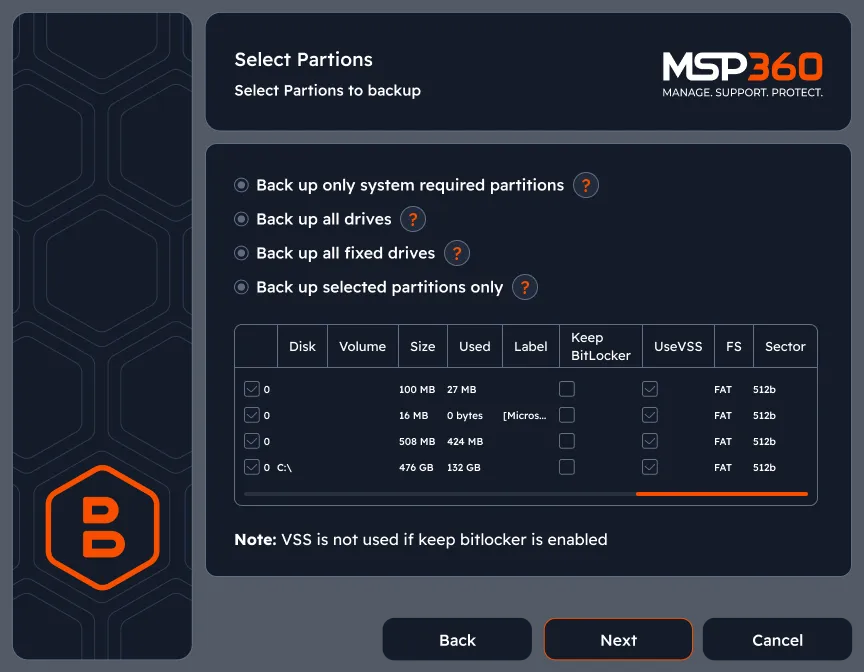
Capture a complete snapshot of your entire system
Capture a complete snapshot of your system, including the operating system, applications, settings, and all files. This type of backup allows you to restore your entire system to a previous state, even on different hardware, making it ideal for full disaster recovery.
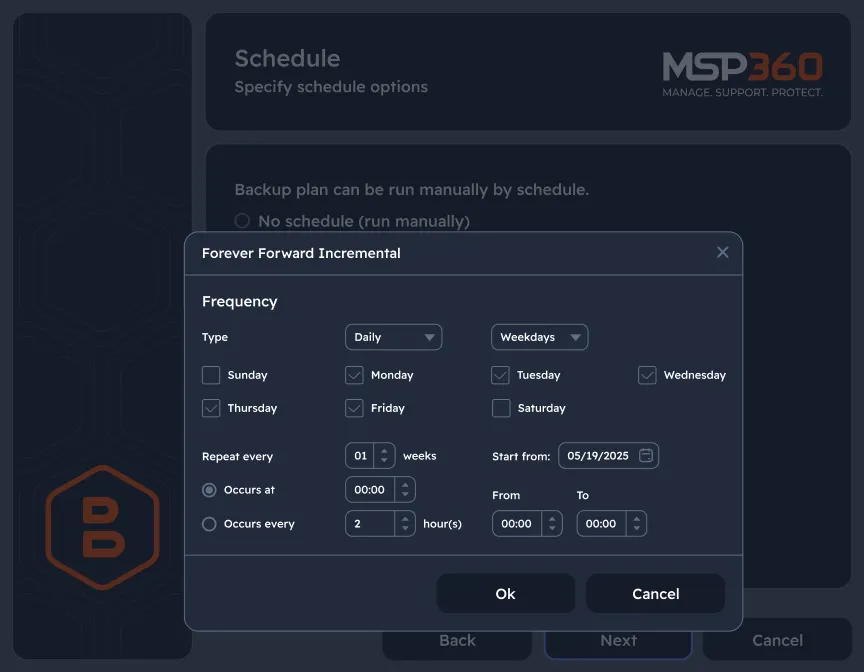
Configure backup schedule that fits your IT routines
Customize backup frequency. Schedule backups every hour, full backups at 2 AM on Sundays, and monthly archives for ultimate data protection and redundancy.
Keep your file versions for as long as you need
Retention settings let you choose how long backup data is stored to fit your specific needs, ensuring you keep necessary files.
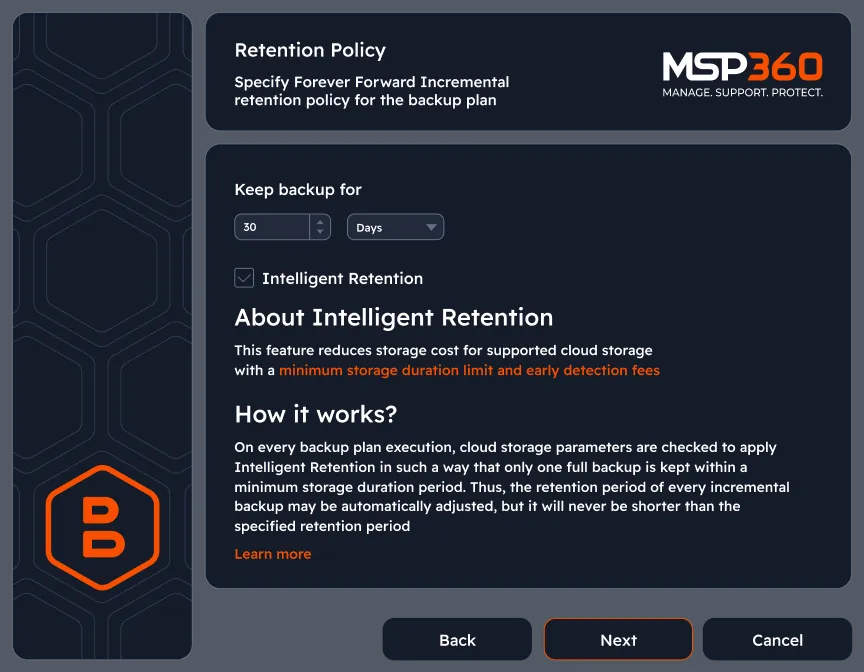
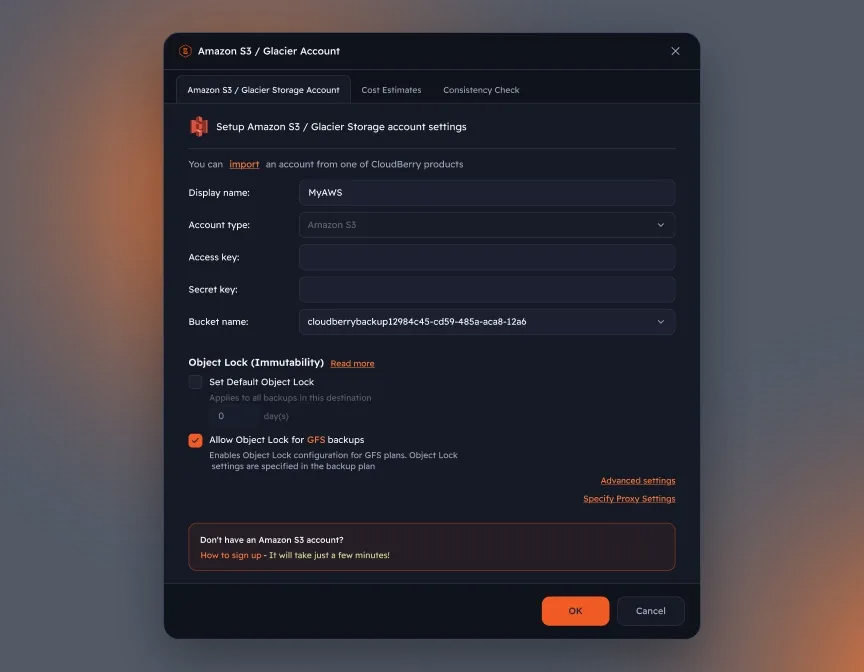
Protect Backup Copies with Object Lock
Help protect your backup copies from accidental deletion and ransomware-related threats. On compatible cloud storage, Object Lock prevents protected data from being deleted or overwritten during the configured retention period. Configure Default Object Lock in your storage settings to help preserve recovery points.
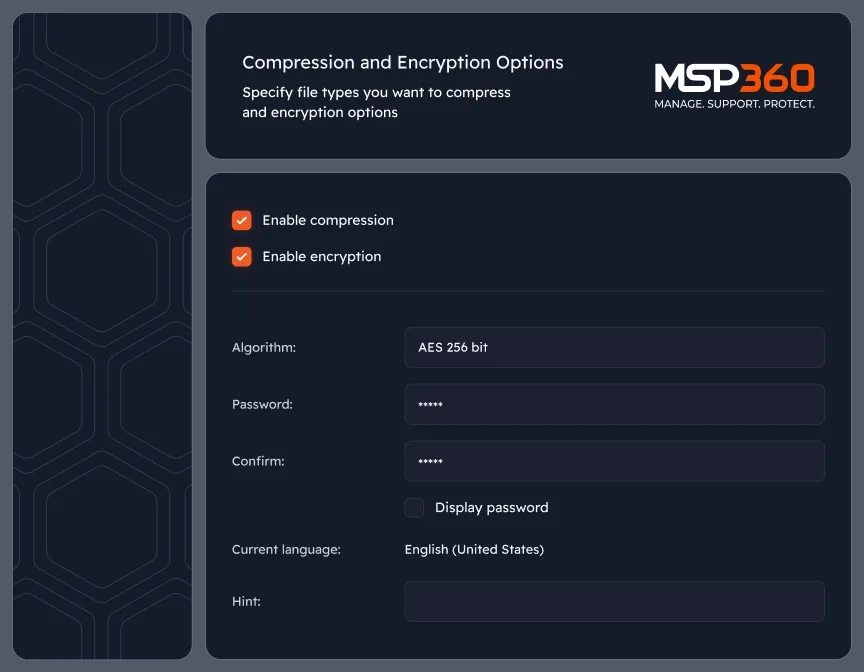
Encrypt Your Backup Data Before Upload
Protect your backup data with client-side AES encryption (128-, 192-, or 256-bit). Choose an encryption password when configuring your backup plan to keep your files protected before they are sent to local or cloud storage.
Download MSP360 Free Backup Software
Protect your personal files with free backup software for Windows, macOS, and Linux. Download MSP360 Backup Free and start backing up your data to local or cloud storage.

MSP360 Free Backup in Review






Compare MSP360 Backup Free to MSP360 Backup Pro
FAQ
Is MSP360 Free Backup really free?
Are there any storage limits in the Free version?
Can I use MSP360 Free Backup in a business environment?
Can I upgrade from Free to Pro without losing my settings?
Is MSP360 Backup the same free backup software as CloudBerry Backup?
Does MSP360 Backup Free include encryption?
Does MSP360 Backup Free support Object Lock?
Is MSP360 Backup Free only for files and folders?
Does MSP360 Backup Free support image-based backup?
Can I store a Windows image-based backup in cloud storage?
Does image-based backup work on macOS or Linux?
Resources Beyond MSP360 Free Backup Software
Our backup freeware option is packed with a lot of features to cover most of your basic data protection needs. To explore more valuable insights for enhanced cybersecurity, cloud storage best practices, and IT management, visit our Resources Center.
Encrypted and compressed backup
Windows Server full system backup
Full, differential and transaction log backup
Protect your Microsoft 365 and Google Workspace
Download MSP360 Free Backup Software
Protect your personal files with free backup software for Windows, macOS, and Linux. Download MSP360 Backup Free and start backing up your data to local or cloud storage.