Connect (Formerly Remote Desktop) for MacOS 1.0 is Out
MSP360™ Connect (Formerly Remote Desktop) for macOS is a tool that enables quick and secure connections to remote systems, making it easy for MSPs to provide support over the internet.
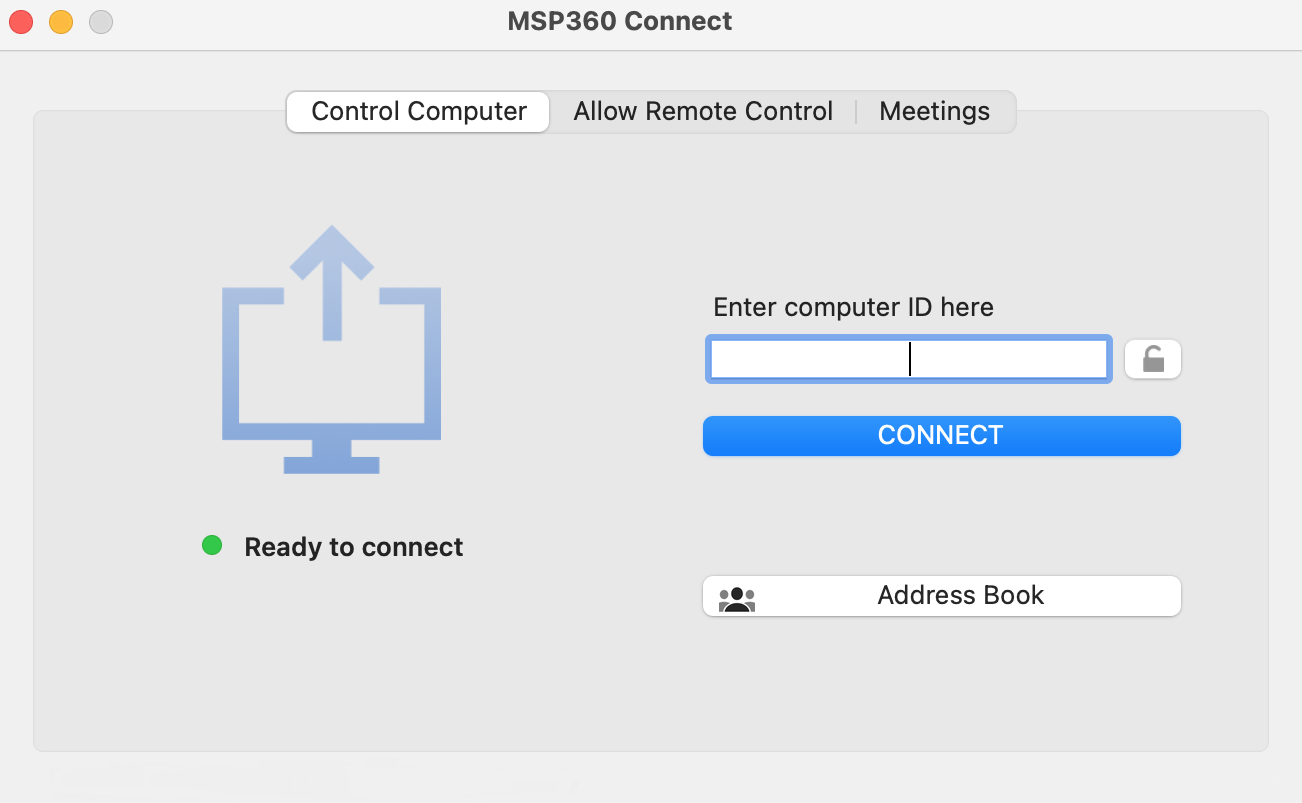
Main Features
Two Authentication Types
MSP360™ Connect for macOS enables two authentication types for remote connections:
- Authentication via PIN
- Authentication via encryption key.
Meetings Support
MSP360™Connect for macOS supports the Meetings feature. In the current version of the tool, this feature is supported only in client mode.
Voice and Chat Mode Support
The debut version of the application provides customers with basic chat functionality, which includes real-time chatting via both text and voice.
[hubspot type=cta portal=5442029 id=aa07fdb8-7776-46a5-9fa0-ec6e93f0f0a6]
Connection Encryption
All data transmissions performed by MSP360™ Connect for macOS are secured with public key encryption.
We are working hard to continue adding new features to MSP360™ Connect for macOS. Stay tuned for further updates in forthcoming versions
Visit the MSP360™ Connect product page to download and install MSP360™ Connect for macOS.