MSP360 Control App: New Dashboard & Storage Trends
We are excited to announce a new version of the MSP360 Control App available for iOS and Android. In the previous release we shipped the bulk of the app redesign; this release adds the piece that ties it together, a completely rebuilt home screen, the new Dashboard, along with a set of performance improvements across the app.
The new Dashboard
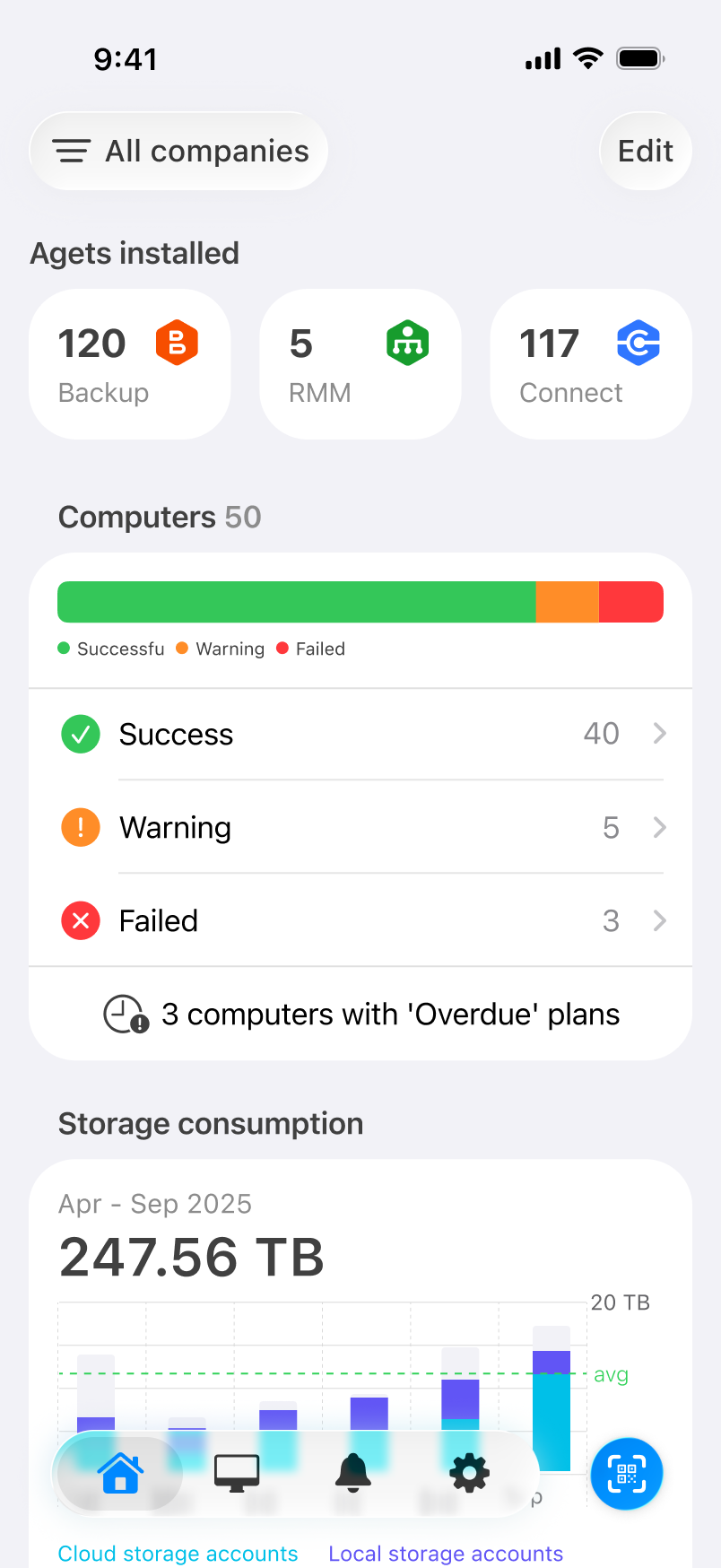
Open the app and the Dashboard is the first thing you see. Instead of drilling into a company to check on it, you get a live summary of your managed environment up front, built from four sections: installed agents, computer status, storage consumption, and storage accounts.
At the top, Agents installed breaks your deployment down by product (Backup, RMM, and Connect),so you can confirm coverage without opening each console.
Computer status
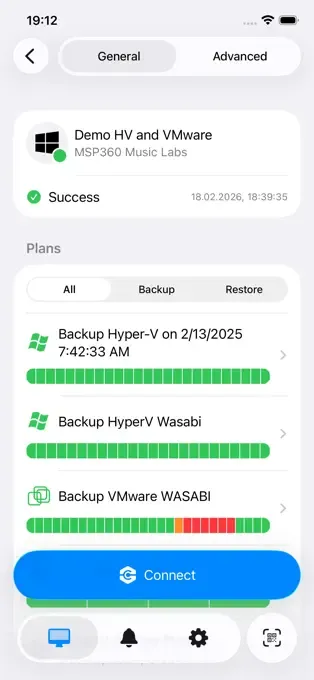
Below the agent counts is a status summary for every managed computer, split into Success, Warning, and Failed, with a single bar showing the overall balance. Each status is tappable and drills into the machines behind the number, so a red count is one tap away from the list of what actually failed.
The section also surfaces computers with overdue plans:backups that were scheduled but haven't run,so they don't sit unnoticed until someone happens to check.

Storage consumption
The storage chart shows a six-month trend of consumption, with cloud and local plotted separately and an average line across the period, so a jump reads against your baseline rather than in isolation.
Tap the chart and it drops into monthly detail. Pick any month and you'll see the cloud and local split for that period, so when usage spikes and a client asks why, you can point to the specific month it moved instead of estimating.
Storage accounts
Under the chart, every storage account is listed with its current usage. Cloud and local destinations sit side by side - an AWS bucket for restores, a Backblaze B2 account for backups, a local NAS, a Wasabi cold-storage bucket - so you can see where data lives and how much each destination holds without switching screens.
Customize your dashboard
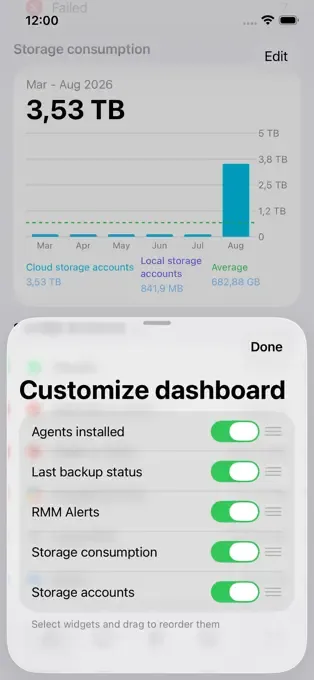
Not every team watches the same numbers. Open Customize dashboard to toggle widgets on or off and drag to reorder them, so the sections you check most often stay at the top. The layout is saved, so you set it once.
Performance improvements
Alongside the Dashboard, this release includes performance improvements across the app and faster load times.
Requirements: latest version of the MSP360 mobile app for iOS and Android.
Get the update
The new Dashboard is available now - update the MSP360 Control App from the App Store or Google Play, and it'll be waiting for you the next time you open it.
Already using the MSP360 Control App? Let us know what you'd like to see next - your feedback shapes where we take it.