How to specify the VAT ID during the purchase
This is how you can specify the VAT ID during the purchase
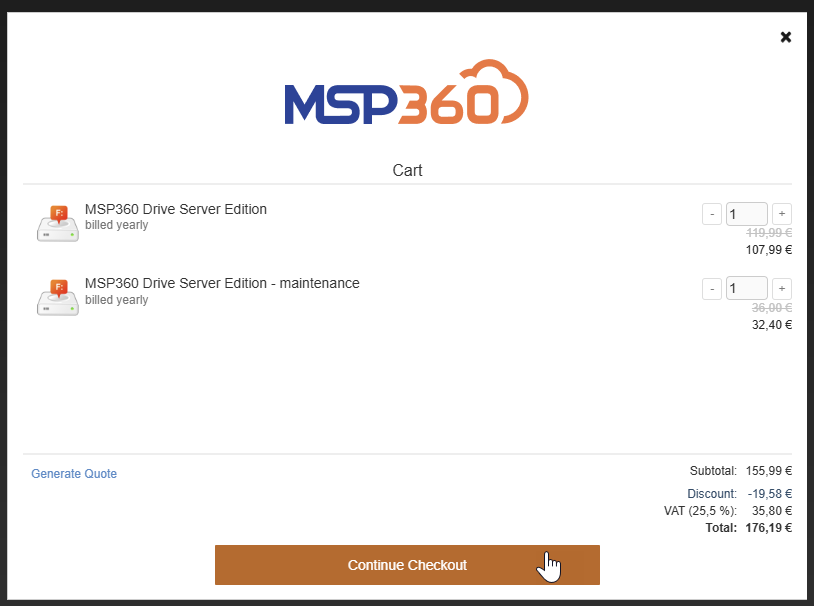
Let's say you have the following shopping cart, it shows that you have to pay VAT, but don't worry, click continue checkout button
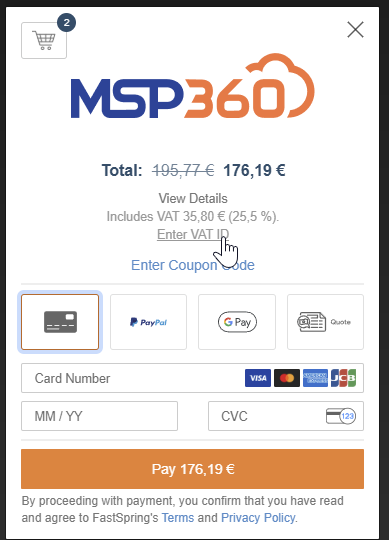
Next Step on how to enter VAT ID
on the next step you will see on option enter VAT ID, click on it
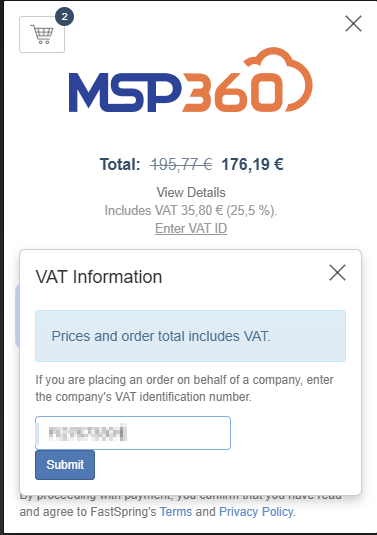
enter your VAT ID as shown below
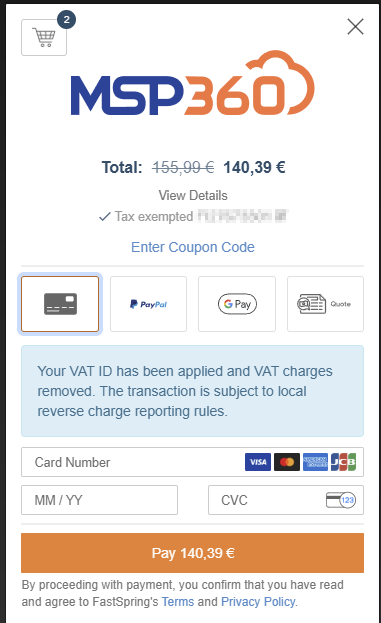
and voila, the VAT ID is displayed and the tax is removed
Categories