MSP360 Backup for M365/Google 4.11: Migration from EWS to Microsoft Graph API
We’re thrilled to announce the release of MSP360 Backup for Microsoft 365 and Google Workspace 4.11. This version includes migrating to Microsoft Graph API for Exchange Online mailbox protection, a redesigned login page, and dark theme support.
Exchange Online Migration from EWS to Microsoft Graph API
Microsoft recently announced that they are retiring the Exchange Web Services (EWS) API in Exchange Online. They will begin disabling access to the EWS API in phases starting in October 2026.
Beginning with version 4.11, MSP360 Backup for Microsoft 365 will perform regular Exchange Online mailbox, contact, and calendar backup and restore operations via the Microsoft Graph API. This will separate mailbox protection operations from the retiring API and provide continued mailbox protection support as Microsoft disables access to the EWS API.
For domains that were already added to backup before the API migration, check whether a Global Administrator completed the Sign in as admin procedure before the migration. If not, a Global Administrator should complete this procedure to grant the required permissions and ensure that backups continue to run.
To do this:
- Sign in to MSP360 Backup for Microsoft 365
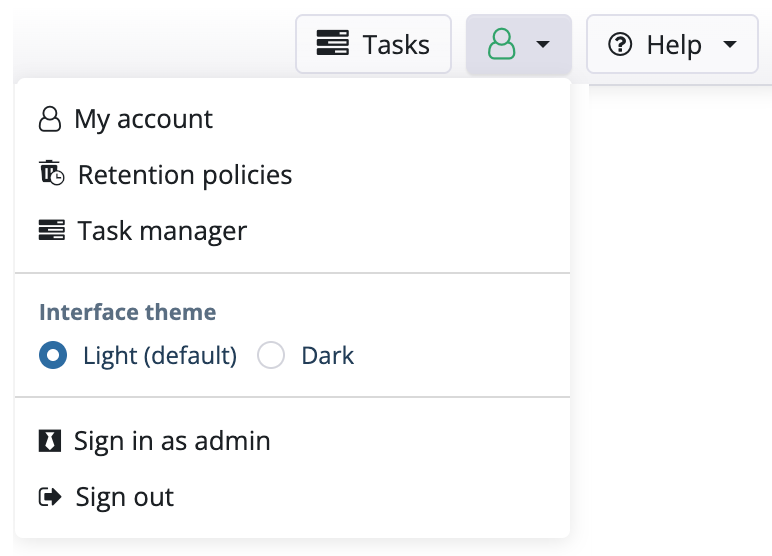
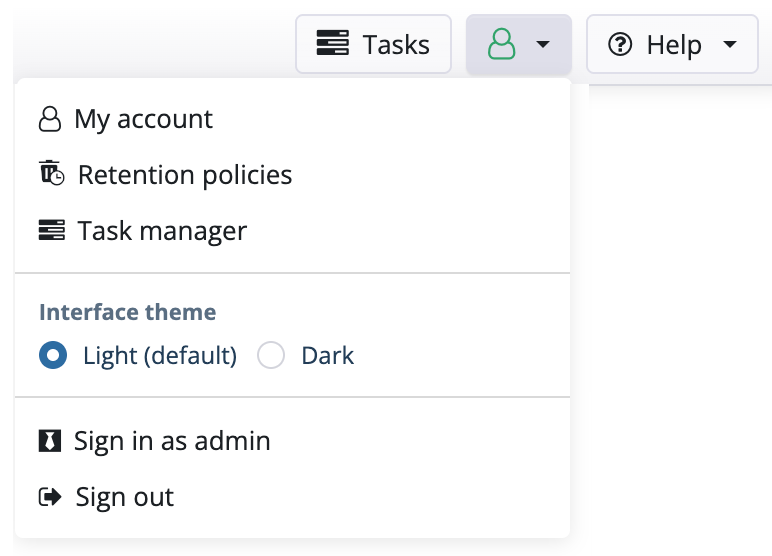
- Open the user menu in the top-right corner.
- Click the Sign in as admin button.
- Sign in to your account with a Microsoft 365 administrator account and accept the requested Microsoft Graph permissions.
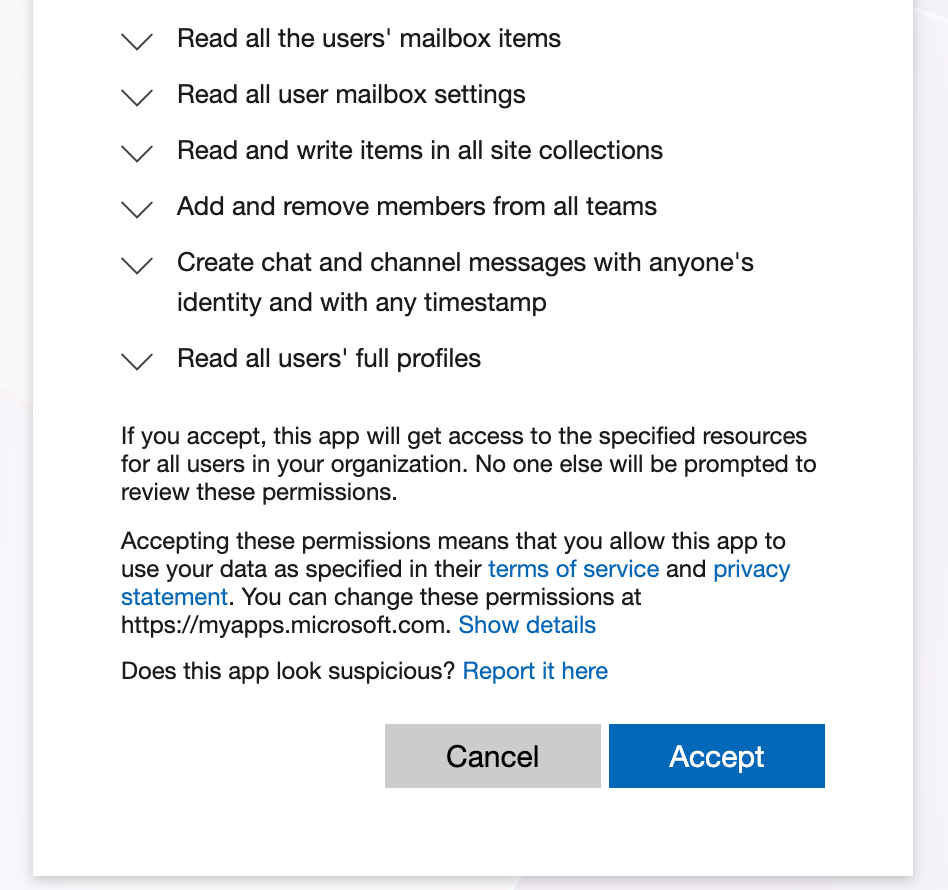
Note: For domains added to backup after the migration, the required permissions will be requested automatically when a Global Administrator signs in for the first time.
Public Folders Backup Support Cancelation
Currently, Microsoft Graph API does not offer an alternative method to back up Public Folders. Therefore, MSP360 will no longer support backing up Public Folders after EWS access has been disabled for your Microsoft 365 organization.
Updated Login Page
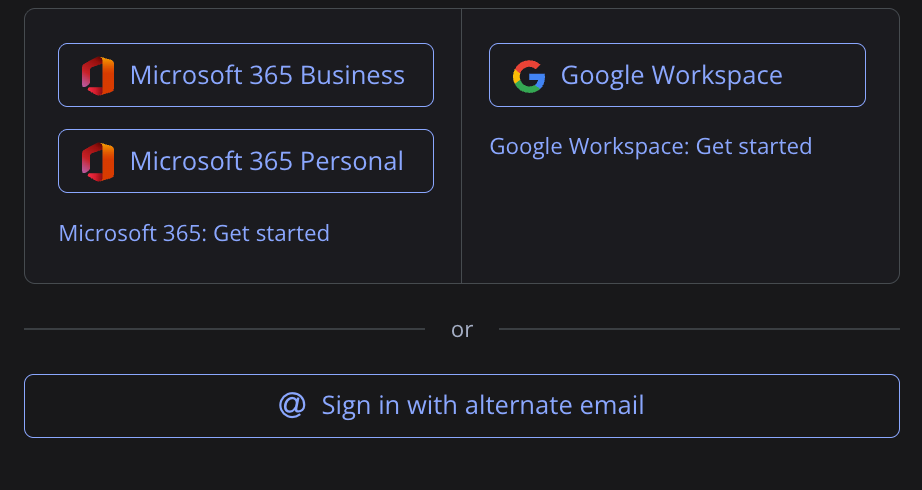
Our redesigned login page for single-domain MSP360 Backup for M365 and Google Workspace users features links to help documentation and articles regarding your account set up. These links will help you easily configure your backup and get you up and running with Microsoft 365 and Google Workspace backup.
Dark Theme Support
Dark theme is one of the most requested features from our customers, and we’re excited to deliver it for the backup console. The dark theme minimizes screen brightness making it easier on the eyes when working in dark environments.
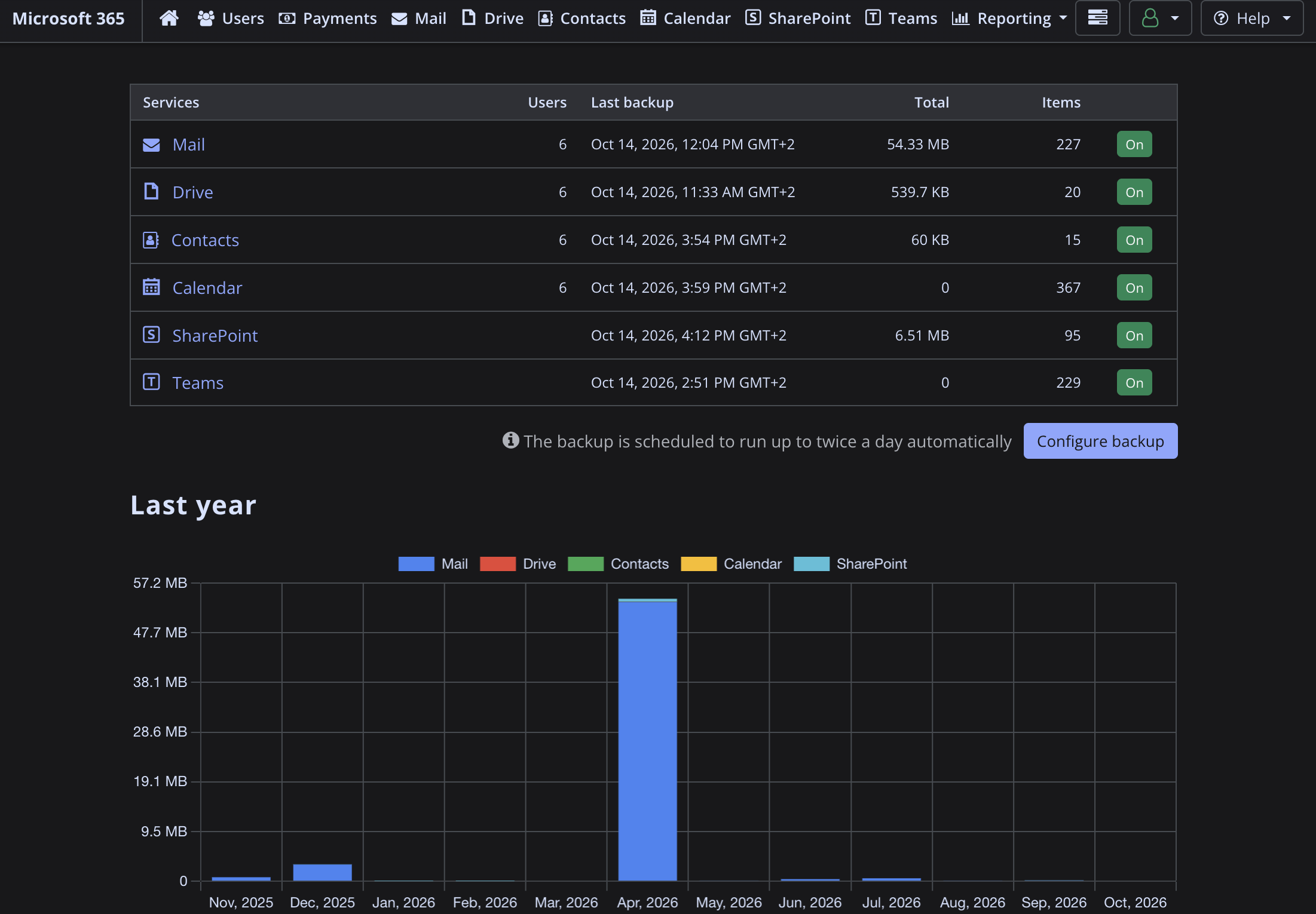
Switch between light and dark themes to suit your workspace and mood.