
RMM Software
Simplify IT operations with a feature-rich RMM solution offering centralized management, proactive monitoring, automation, built-in remote access and ticketing system, and more. MSP360 Remote Monitoring and Management lets you manage endpoints with no hidden fees and easily scales as your business grows.
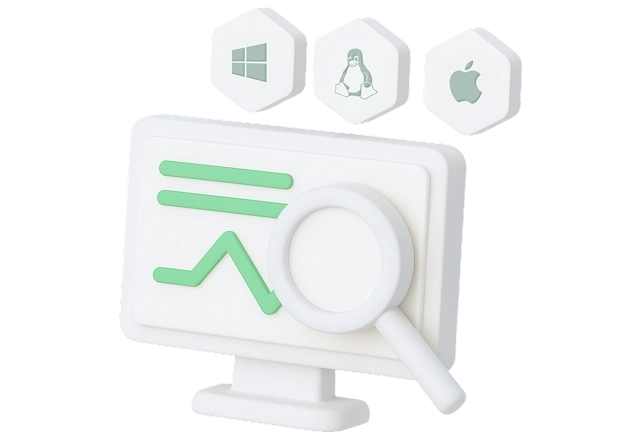
RMM for Windows, macOS and Linux
RMM for Windows
RMM for macOS
RMM for Linux
RMM
- Real-time endpoint performance monitoring
- Wake-on-LAN and remote reboot
- Customizable alerts and notifications
- RMM API
- Automated OS and software patching
- Script library
- Antivirus management
- Built-in web-based remote access
- Group action tasks
- Built-in ticketing system
- Support: 24/7/365 live technical support
Community Edition
MSP360 RMM Community Edition is a completely free, fully-featured remote monitoring and management solution built for MSPs, offering the complete RMM toolset free of charge, with usage limited to 50 endpoints.
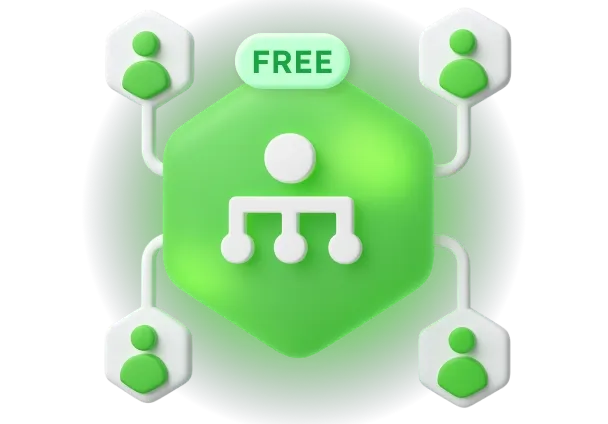
Free RMM Software
- Full RMM toolsetGet access to monitoring, patching, deployment, remote access, and alerting, with no feature caps
- Scale as you needManage up to 50 endpoints, upgrade only when you need
- Multiple admins allowedInvite as many admins as you need, no user caps
- No contract or card required100% free RMM without any commitments
- No time limitsStay on the free version as long as you want
- No hidden feesEnjoy free RMM software with full access and no surprise charges
- Limited support
MSP360 RMM Features
MSP360 RMM is a comprehensive remote monitoring and management software designed to empower MSPs and IT teams by providing secure and efficient IT infrastructure management.
Monitoring
Custom Alerts
Built-In Remote Access
Software Deployment
Patch Management
Group Action Tasks
Script Library
Built-In Ticketing System
Reporting
Antivirus Management
SNMP Monitoring
Wake-on-LAN and Remote Reboot
RMM API
Integrations with PSA Platforms
Getting Started with MSP360 RMM
Getting Started with Remote Monitoring and Management

Product Interface
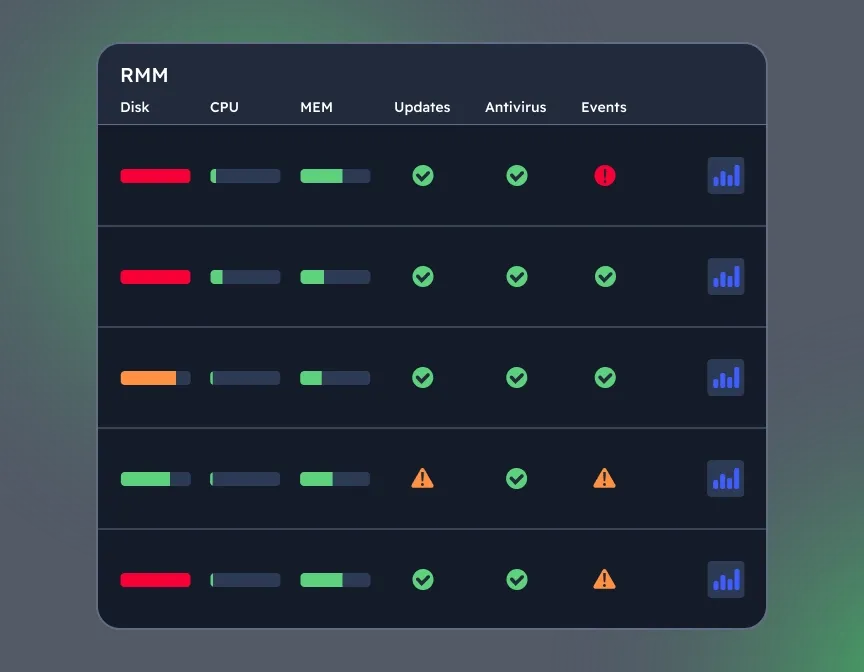
View Key Metrics and Alerts for Each Device
The RMM section shows you general information, such as the computer name, disk, CPU and memory usage, and warns you if you have any available updates for your operating system or antivirus, or event log issues.
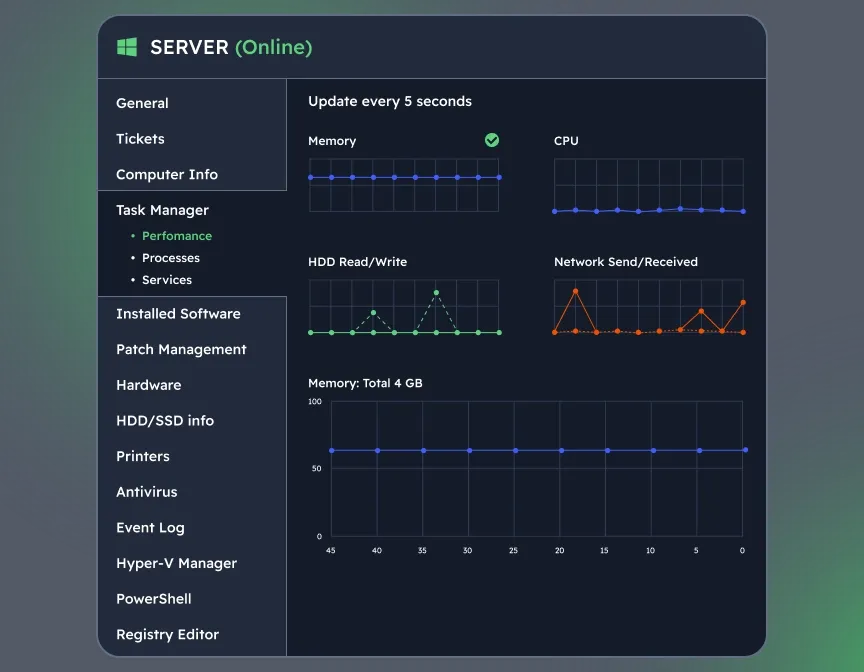
Explore In-Depth Metrics and Options
To view more detailed information and actions you can apply remotely, click the diagram icon in front of the required computer, and a slide-in tab with available options will appear.
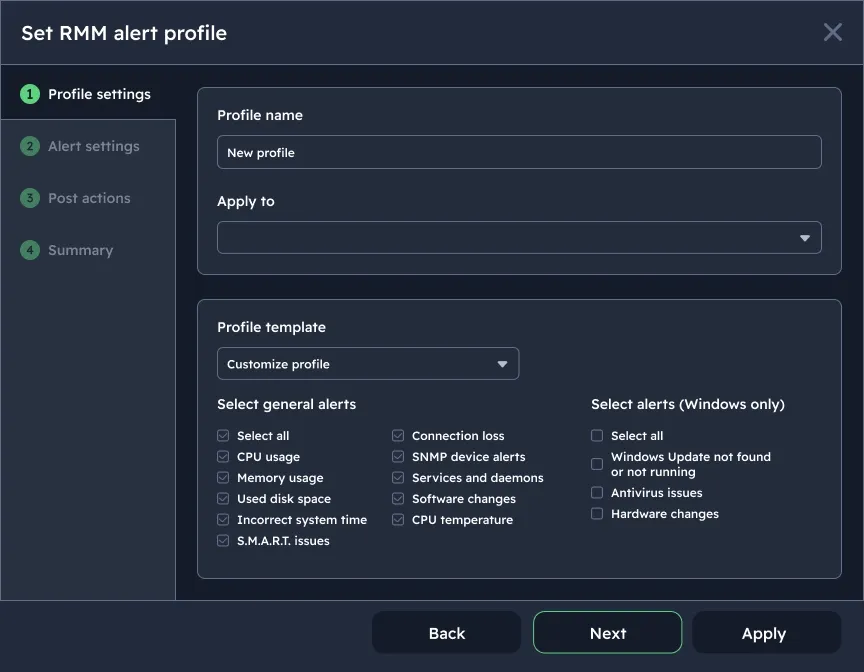
Get Notified About Critical System Changes
MSP360 RMM supports a wide range of alerts, including CPU and memory usage, used disk space, connection loss, software changes, and more. Create custom alert profiles by selecting devices based on specified parameters.
Quickly Connect to Remote Devices
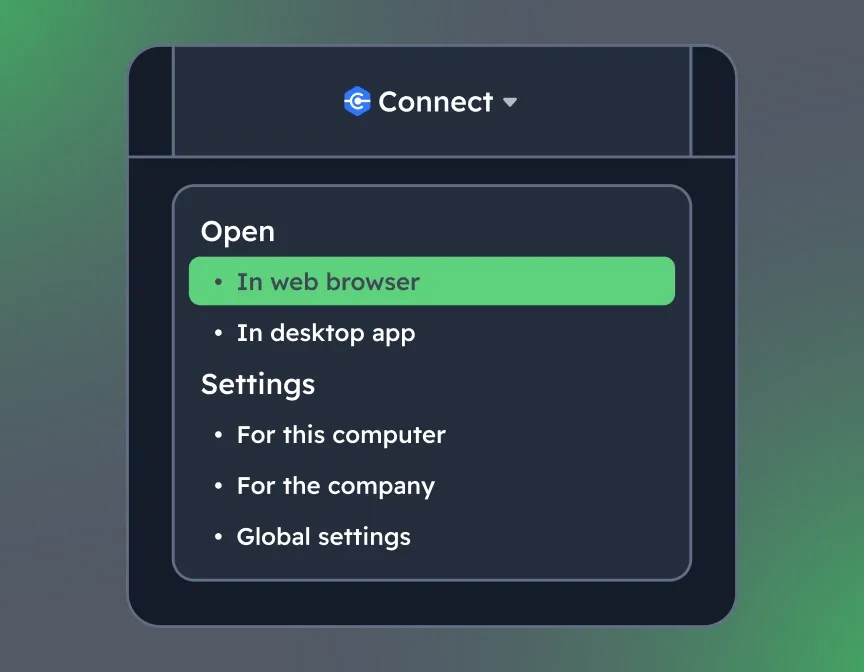
Remotely access Windows and macOS devices directly via a browser without extra fees. Just click the Connect icon in front of the required computer or open the drop-down list next to it and select the preferred method of connection.
MSP Platform
MSP360 RMM is part of the essential MSP Platform.
MSP Platform is a solution designed for MSPs to centralize management of backup (including Microsoft 365 and Google Workspace), RMM, remote access and ticketing in a single console.
MSP Platform Features
- Centralized Management
- Role-Based Access
- Rebranding
- Advanced Reporting and Alerting
- Onboarding
- Mobile Application
- Support: 24/7/365 live technical support
MSP360 RMM Integrations
Integration with ConnectWise PSA
Integration with HaloPSA
MSP360 RMM API
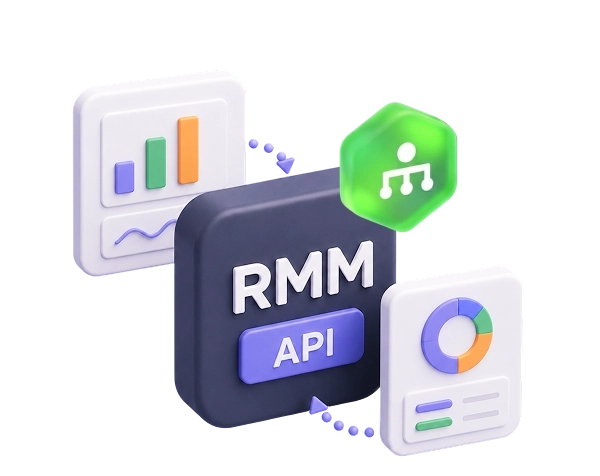
MSP360 RMM API lets you build your own integrations with external platforms. Bring RMM data to your existing dashboards like Grafana or SOC panels, wire it into your automation platform and let state changes do the triggering, or create custom reports.
If you’re ready to try MSP360 RMM API, here are the materials to help you get started:
MSP360 RMM in Review










FAQ
How much does MSP360 RMM cost?
Which operating systems are supported?
Can I pay monthly?
Is there a free trial available?
How is MSP360 RMM different from other RMM solutions?
What features are included in MSP360 RMM?
What is an RMM software?
What are the benefits of RMM?
How does RMM software work?
Do I need RMM and PSA?
Does MSP360 RMM have an API?
What is the MSP360 RMM Community Edition?
Is support included in the Community Edition?
What happens if I need to manage more than 50 endpoints?
Get Started with MSP360 RMM
Built for MSPs and IT teams, it includes core features like system health monitoring, software deployment, patch management, alerting, built-in remote access and ticketing system, and more, helping you stay in control and keep systems running smoothly.
Works on Windows, macOS, and Linux.