Cloud Backup Software
MSP360 Backup software is a cross-platform cloud backup solution for individuals, businesses and MSPs that offers the control, flexibility, and security needed to protect everything from personal files to complex client environments.





Cloud Backup Software for Every System
Choose a Backup Solution That Fits Your Needs
MSP360 offers flexible backup solutions for businesses of all sizes. Compare our editions to find the right balance of features, control, and scalability for your data protection strategy.
Free
Start for Free - Upgrade Anytime Perfect for Getting Started
- File Backup
- Image-Based Backup
- Object Lock (Immutability)
- Client-Side Encryption
- Support: Forum-based support
- Supported OS: Windows, macOS, Linux
Pro
On-Premise Backup Solution with Local Management
- MS SQL Backup
- Hyper-V/VMware Backup
- Server Backup
- Support: Email support
- Supported OS: Windows, macOS, Linux
MSP Platform
MSP360 Managed Backup is part of the MSP Platform.
Great for MSPs or businesses with multiple endpoints. One-stop-shop console with flexible monthly or annual payments. Ideal for MSPs and large IT departments.
MSP Platform Features
- Centralized management
- Advanced Reporting and Alerting
- Rebranding
- Mobile Application
- MSP360 Connect Included
- Support: 24/7/365 live technical support
Choose a Solution That Works Best for Your Environment
MSP360 offers cloud-first, secure backup software and data protection solutions with a flexible bring-your-own cloud approach. With full versioning, retention policies, encryption, and a choice of storage destinations, it empowers individuals, businesses and MSPs to safeguard data with confidence.
MSP360 Backup Free
Download MSP360 Backup Free
Works on

MSP360 Backup Pro
Download MSP360 Backup Pro
Works on
MSP360 Managed Backup
Download MSP360 Backup Managed
Desktop backup for
Key Features of MSP360’s Cloud Backup Software
Our cloud backup software and data recovery solutions are compatible with various environments and operating systems, meeting the unique needs of every user, whether you need a beginner-friendly setup or, as your operations grow, require multi-tenant support, advanced backup features, and centralized management.
Backup for Windows
Backup for Linux
macOS Backup Software
Backup for M365/Google
Bring-your-own cloud
Cloud-first approach
File backup
Image-based backup
Desktop backup
Object lock (immutability)
Backup for Windows Server
Backup for Hyper-V
Proxmox Backup
Backup for VMware
Backup for SQL Server
Encryption and compression
Centralized web console
Role-based access control
Getting Started with MSP360’s Cloud Backup Solutions
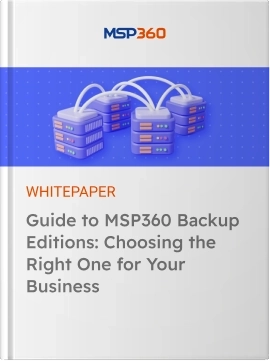
Guide to MSP360 Backup Editions: Choosing the Right One for Your Business
Successful data protection hinges on selecting the right technology and tools to meet your needs. Data loss—whether personal files, business documents, or system configurations—can cause major disruptions and financial repercussions.
Product Interface
Choose files and folders to back up
Back up specific files and folders on your target endpoint and ensure your critical data is always protected against hardware failures or accidental deletion.
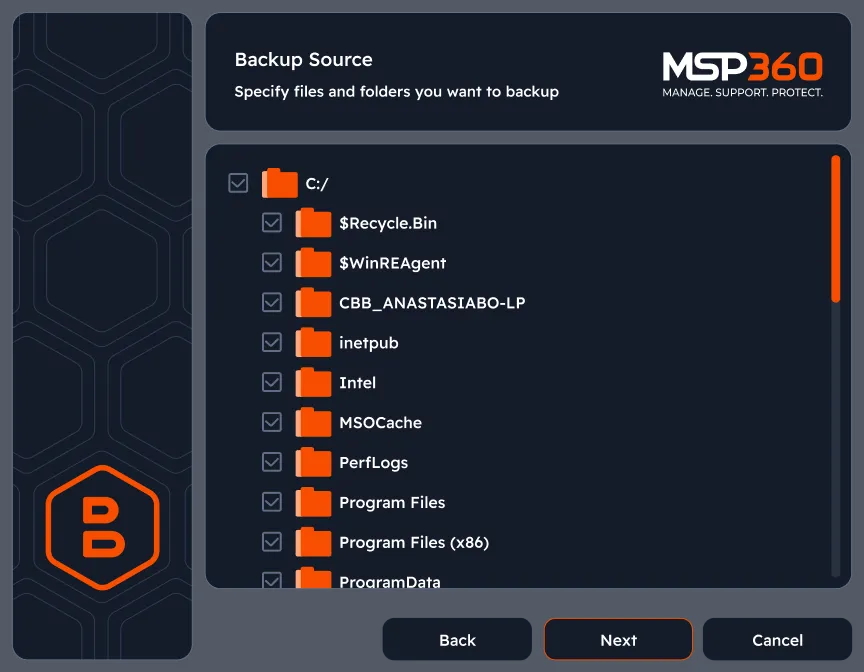
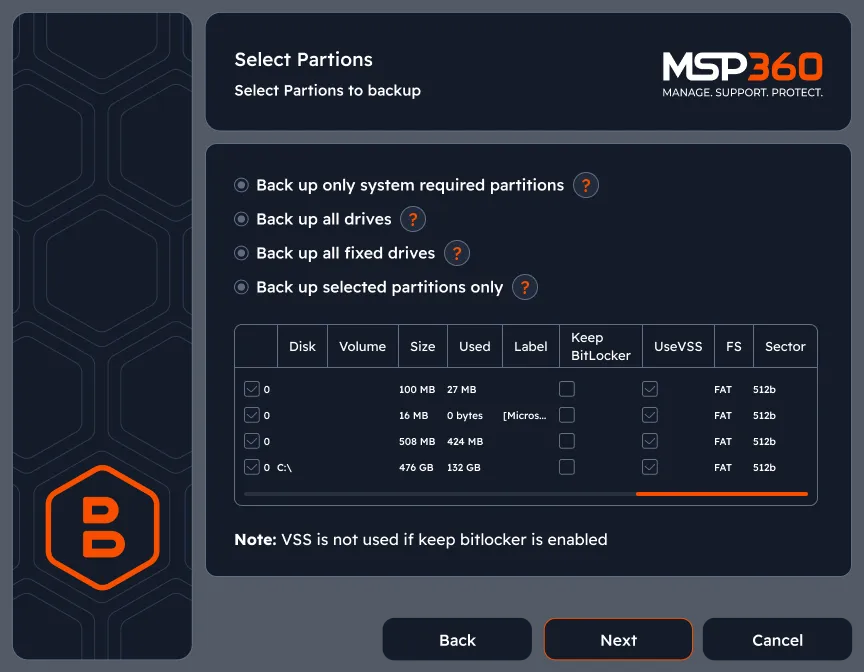
Image-based backup
Capture a snapshot of the entire system and get highly reliable, fast and easy-to-use backup images.
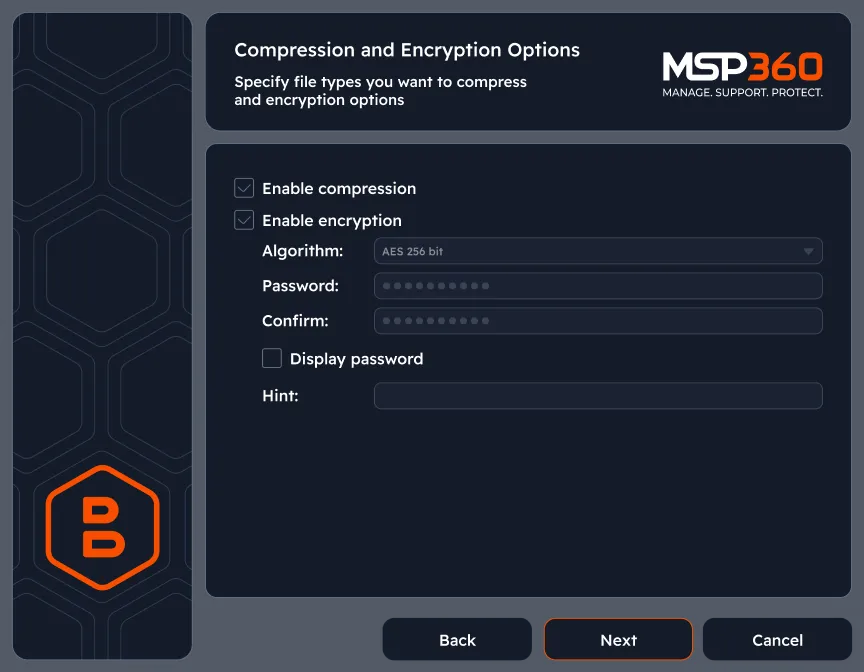
Enable encryption
MSP360 Backup software supports AES encryption with key sizes of 128, 192 and 256 bits, to help you protect your data.
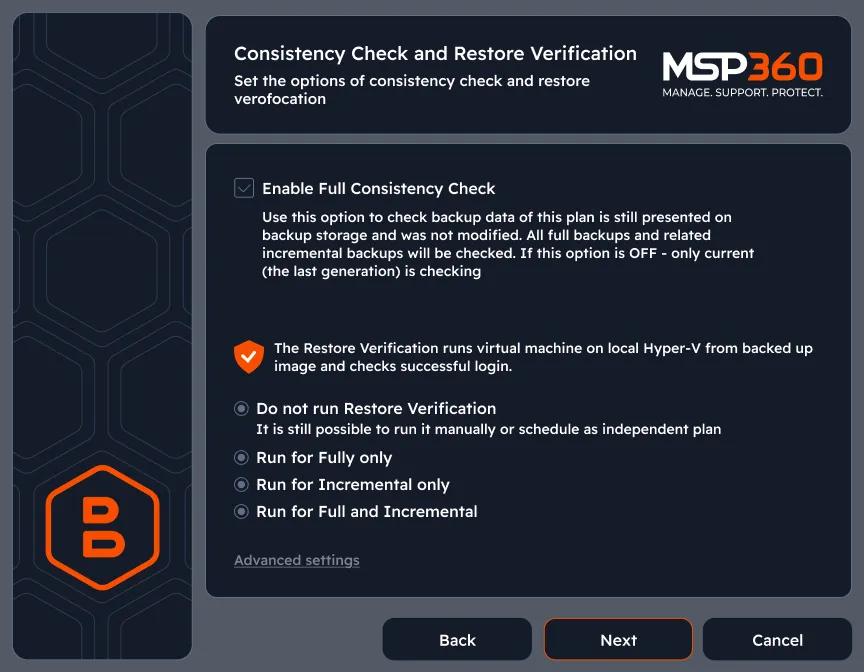
Consistency check and restore verification
No need to perform manual disaster recovery tests to ensure that your images can be used for successful backups. Neither do you have to worry about human error becoming a source of confusion when assessing backups.
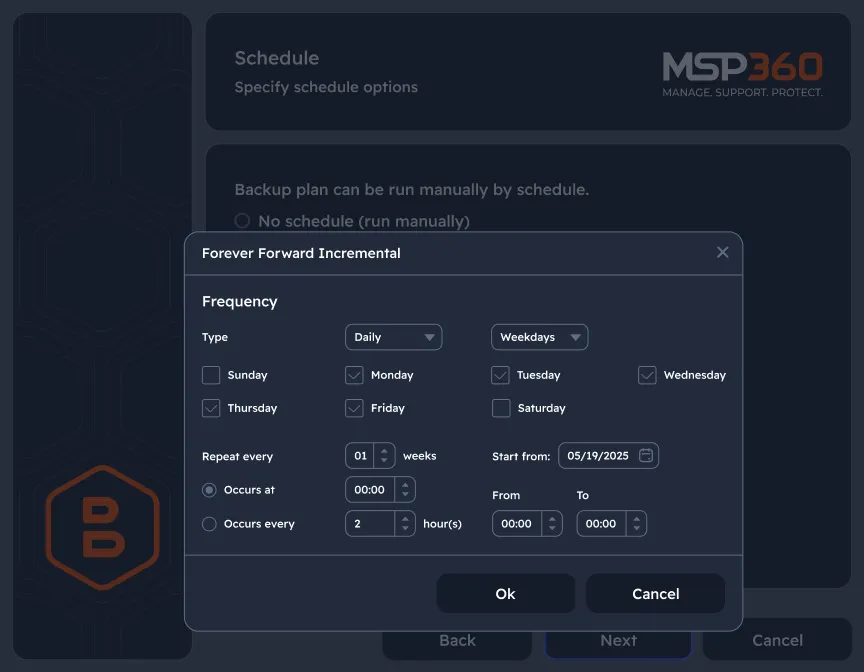
Configure backup schedule that fits your IT routines
Set the backup frequency to match your needs. Schedule daily, weekly, or monthly backups and choose the level of granularity that works best for you, ensuring maximum data protection.
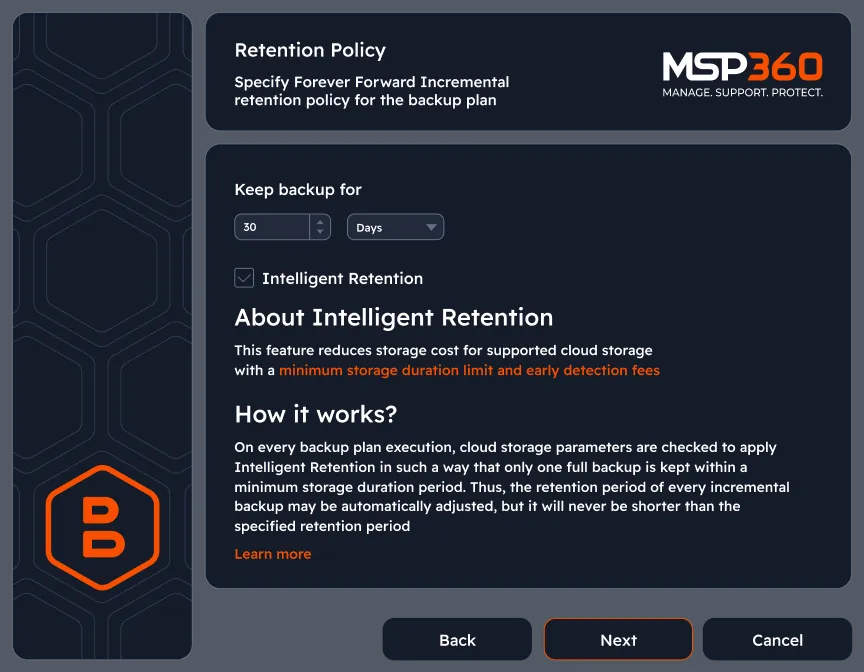
Customizable retention settings
Keep necessary files with customizable retention settings and determine how long backup data should be stored to fit your specific needs.
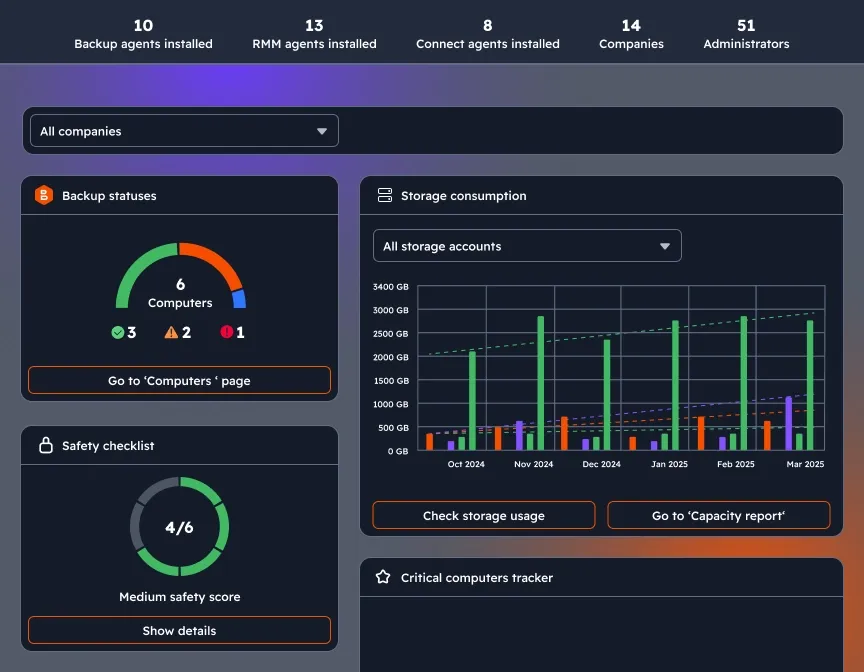
Dashboard with custom widgets
Stay in control with a widget-based dashboard. View updates on backup statuses and new product versions, and receive notifications about license usage, storage consumption, and security status for proactive management.
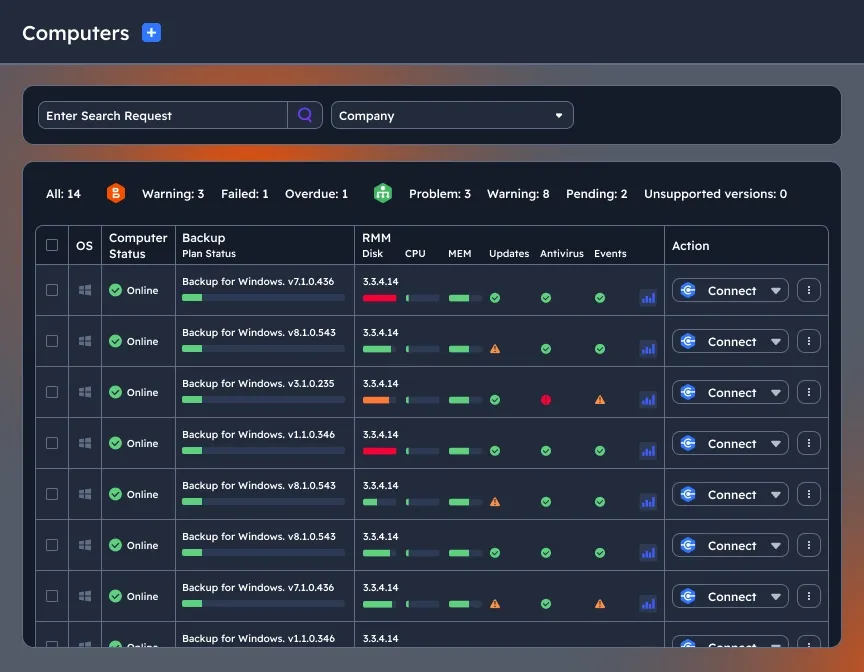
Manage multiple endpoints remotely
Monitor and manage multiple machines with our centralized web-based console.