
Remote Desktop Software for Secure Access and Support
Access files and applications, control a remote computer, or help someone solve a computer problem. MSP360 Connect provides a secure remote desktop software for Windows and macOS for personal use, small businesses, MSPs and IT support teams.

Choose the Right Remote Desktop Software
Free
- Remote access to Windows and macOS
- 5 devices in the address book
- File transfer up to 10 MB*
- 2FA and encrypted connection
- Multi-monitor and multi-user sessions
- Unlimited concurrent sessions*
- Session recording*
- Text and voice chat
Pro
- Unattended access to Windows devices
- 25 devices in the address book
- File transfer up to 1 GB
MSP Platform
MSP360 Managed Connect is a part of the MSP Platform.
The best choice for MSPs and IT departments to resolve issues efficiently and securely without on-site visits, MSP360 Managed Connect delivers fast and reliable remote access with centralized management, unattended access, and robust security features.
MSP Platform Features
- Centralized management
- Black screen
- Web-based remote access
- Session reporting
- Mass deployment
- HaloPSA integration
- Support: 24/7/365 live technical support
Cross-platform Remote Desktop
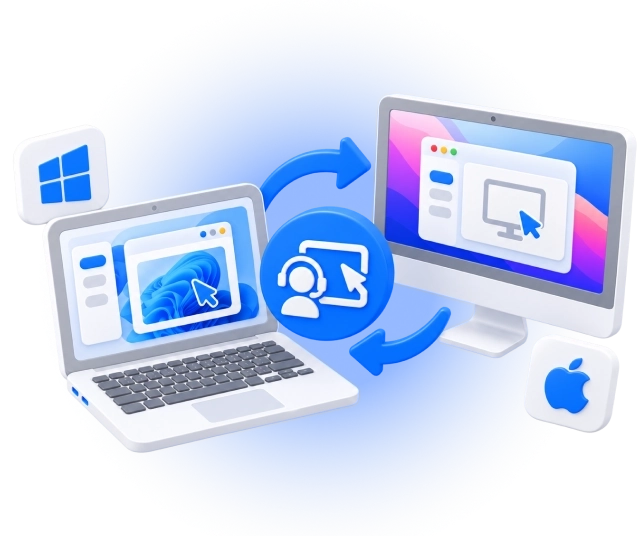
Your computer and the one you need to access do not have to use the same operating system. MSP360 Connect supports remote desktop connections between Windows, macOS, and mobile devices.
Remote Desktop Software for Windows
MSP360 Connect for Windows
Connect from:
Connect to:
Remote Desktop Software for macOS
MSP360 Connect for macOS
Connect from:
Connect to:
Remote Desktop Software for Android and iOS
Access computers from your phone or tablet* using the MSP360 Control app for iOS and Android.
*Available for MSP360 Managed Connect only.MSP360 Control Mobile App
Connect from:
Connect to:


MSP360 Connect Features
MSP360 Connect provides the tools you need to access remote computers, collaborate during sessions, and support users from anywhere.
Fast, stable and secure remote sessions
Attended remote access
Multi-monitor support
Device address book
Text and voice chat
File transfer
Session recording
Multi-user and concurrent sessions
Unattended remote access
Centralized management and access controls
Bulk deployment and centralized configuration
Session reporting
HaloPSA integration
Remote printing
Product Reviews and Customer Feedback





Get Started with MSP360 Connect
Find setup instructions and explore the tools available for working with remote computers.
Remote Desktop Software FAQ
What is remote desktop software?
Is MSP360 Connect free?
Can I connect between a Windows PC and a Mac?
Can I access a computer when nobody is there?
Do I need to install software on both computers?
How does MSP360 Connect protect remote connections?
Can I use MSP360 Connect from a browser, phone, or tablet?
Get Started with MSP360 Remote Desktop Software
Access a personal computer, reach your work applications, or support customers and employees remotely. Choose MSP360 Connect Free, Pro, or Managed to match the way you work.