
MSP360 Backup Ultimate Edition
The only standalone MSP360 Backup edition that combines file, image-based and SQL Server backup in one license - with unlimited cloud storage, unlimited network share backup.






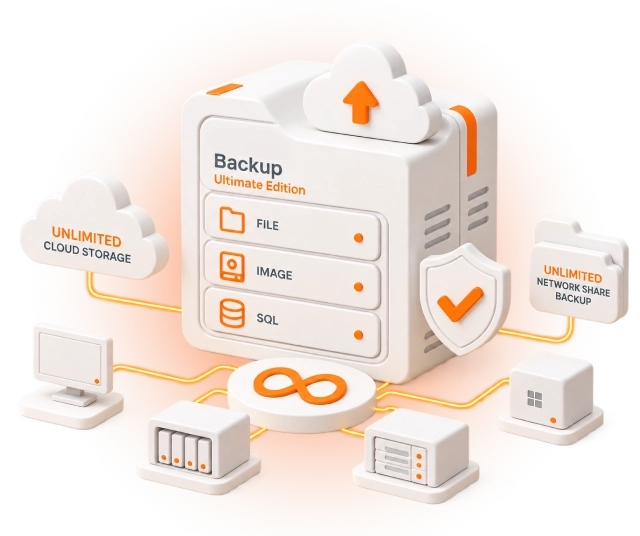
Unlimited MSP360 Backup Edition
MSP360 Backup Ultimate is designed for businesses with large data sets and diverse Windows infrastructure - environments that span desktops, servers, SQL Server, and Microsoft Exchange. Where other editions impose a cloud storage limit or cap the number of network shares that can be backed up, Ultimate removes both: no software-imposed cloud storage limit, no cap on network share backup.
Ultimate Edition covers file and image-based backup, bare-metal restore, SQL Server backup with transaction log support, - all through the MSP360 Backup agent installed on each protected machine.
MSP360 Backup Ultimate Features
Ultimate Edition combines file, image-based, SQL Server, and Microsoft Exchange (on-premesis) backup with unlimited network share and cloud storage support. Feature availability varies by backup type, storage provider, and backup format.
Windows Desktop Backup
Windows Server Backup
Microsoft Exchange Backup
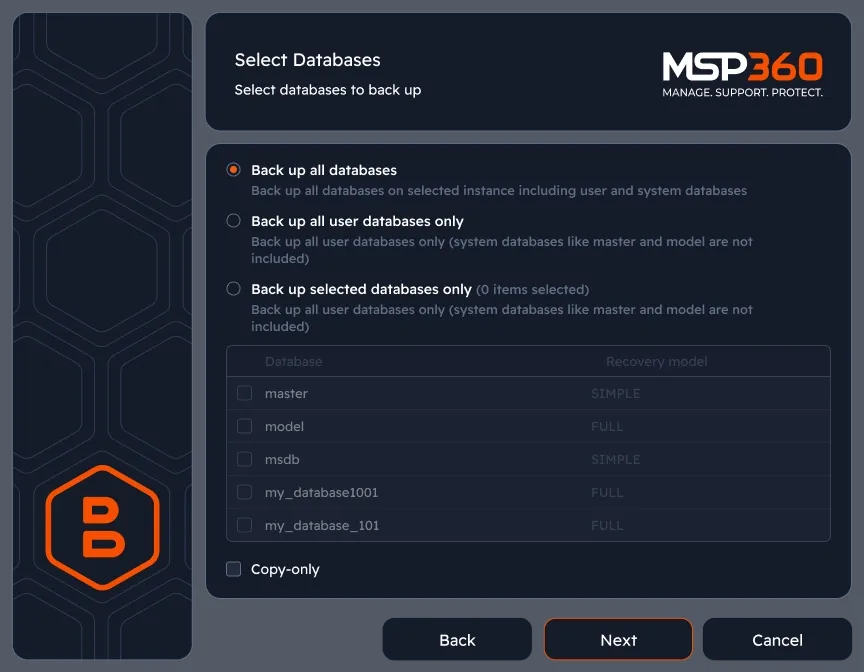
Microsoft SQL Server Backup
Image-Based Backup
File-Level and System State Backup
Synthetic Full Backup
Unlimited Network Share Backup
No Software-Imposed Cloud Storage Limit
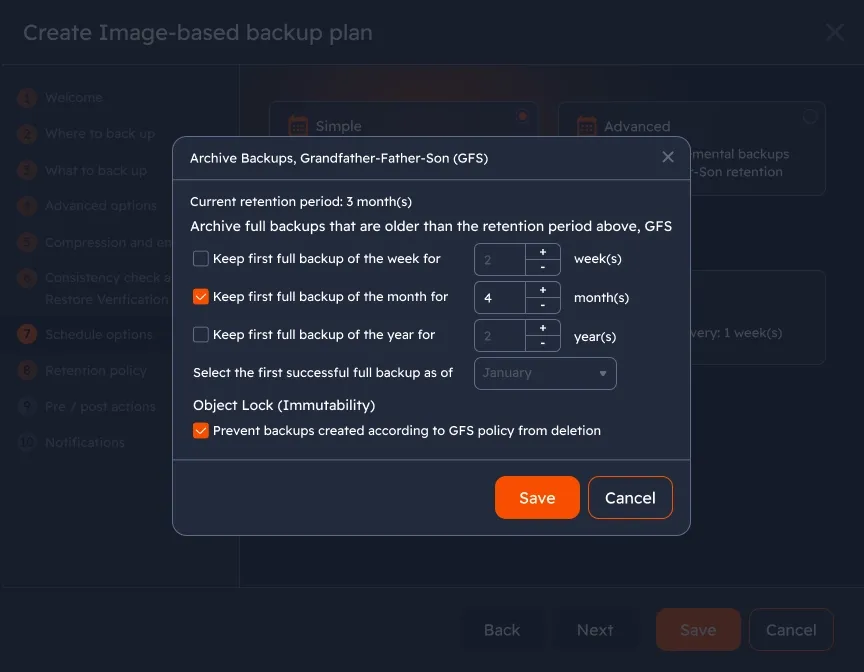
GFS Retention
Object Lock Immutability
Client-Side Encryption
Hybrid Backup (Local + Cloud)
Bare-Metal Restore and Cloud VM Recovery
Choose a Backup Solution That Best Fits Your Needs
MSP Platform
MSP360 SQL Server Backup Software is also part of the MSP Platform. MSP360 Backup Ultimate is managed locally on each machine – there is no centralized web console. MSP360 Managed Backup provides comparable protection for Windows, SQL Server, and Exchange, together with a centralized web console for remote backup plan deployment, monitoring, and reporting across multiple clients and environments. Supporting Amazon S3, Wasabi, Backblaze B2, Azure, and IDrive e2.
MSP Platform Features
- Centralized management
- Advanced Reporting and Alerting
- Rebranding
- Mobile Application
- MSP360 Connect Included
- Support: 24/7/365 live technical support
Product Interface
Create a Backup Plan
Click MS SQL Server in the MSP360 Backup horizontal menu to open the backup plan wizard. The same wizard interface is used for all MSP360 backup plan types.
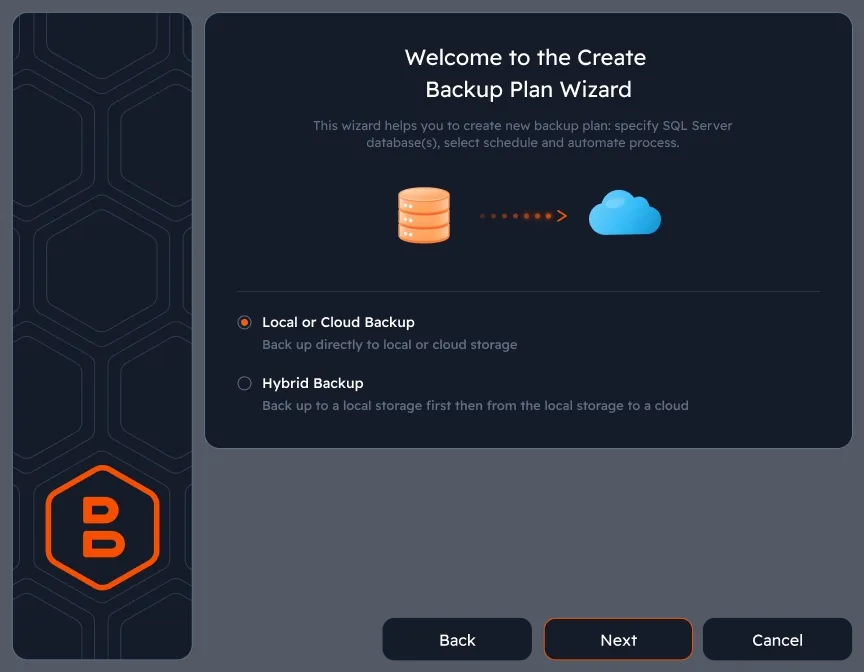
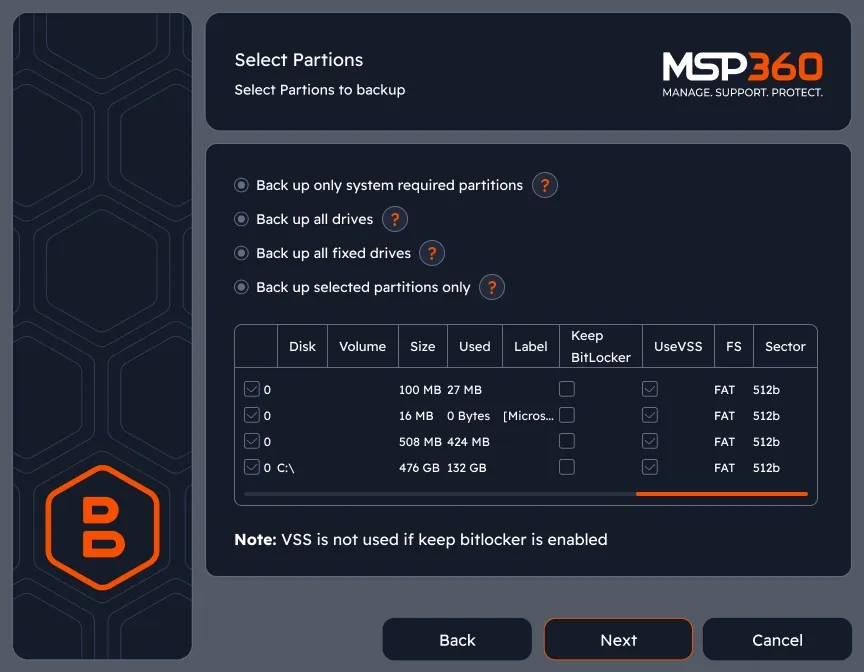
Image-based backup
Capture a snapshot of the entire system and get highly reliable, fast and easy-to-use backup images.
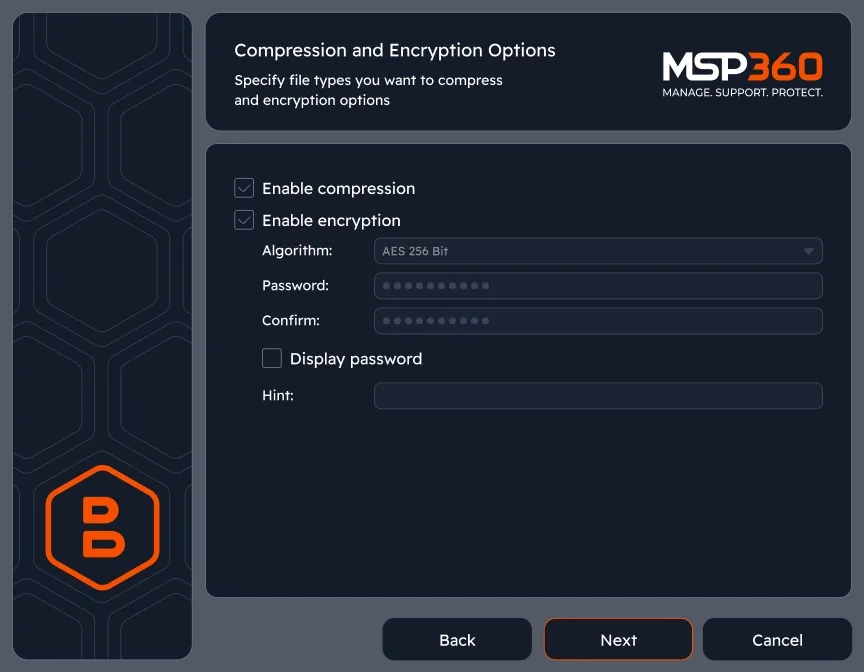
Enable encryption
MSP360 Backup software supports AES encryption with key sizes of 128, 192 and 256 bits, to help you protect your data.
GFS (Grandfather-Father-Son) Retention
Keep backups on a hierarchical schedule and restore data from multiple points in time to meet compliance requirements and ensure reliable long-term data protection.
Restore Wizard
Choose the restore type - file, image, SQL Server, or Exchange - and select the target machine and restore point. Bare-metal restore, restore to EC2 or Azure VM, and Exchange item-level restore are all available from the same wizard
MSP360 Backup Ultimate FAQ
What does MSP360 Backup Ultimate include that other editions don't?
Does Ultimate Edition include virtual machine backup?
Which versions of Exchange are supported?
Which versions of SQL Server are supported?
Is there a centralized management console?
How does Exchange backup work in MSP360?
Can I restore to a different machine or a cloud VM?
What is the cloud storage limit for Ultimate Edition?
Resources Beyond MSP360 Backup Ultimate
To explore more valuable insights for enhanced cybersecurity, cloud storage best practices, and IT management, visit our Resource Center.
SQL Server Backup with MSP360
Windows Server Backup with MSP360
MSP360 Managed Backup
About Microsoft Exchange Backup
About Microsoft SQL Server Backup
Object Lock Explained: How Immutable Backups Protect Against Ransomware
Complete Windows Environment Backup in One License
File, image-based, SQL Server, and Microsoft Exchange – protected through the MSP360 Backup agent on each machine. Start a free 15-day trial, no credit card required.