What Is the MSP360 MCP Server?
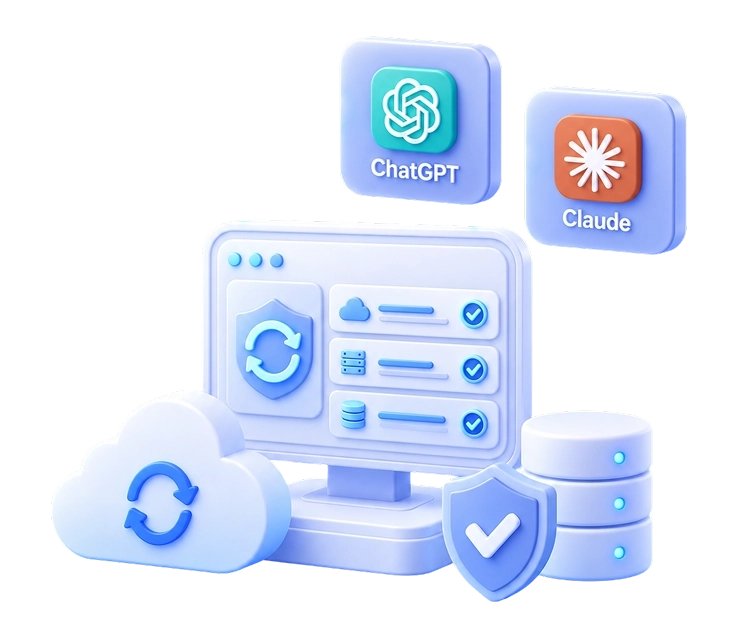
The MSP360 MCP server connects supported AI assistants to
MSP360 Managed Backup data and operations. It lets users work with MSP360 through natural-language requests while continuing to use MSP360 account-level controls, administrator-level MCP access, and existing administrator permissions.
What Can the MSP360 Connector for ChatGPT and Claude Do?
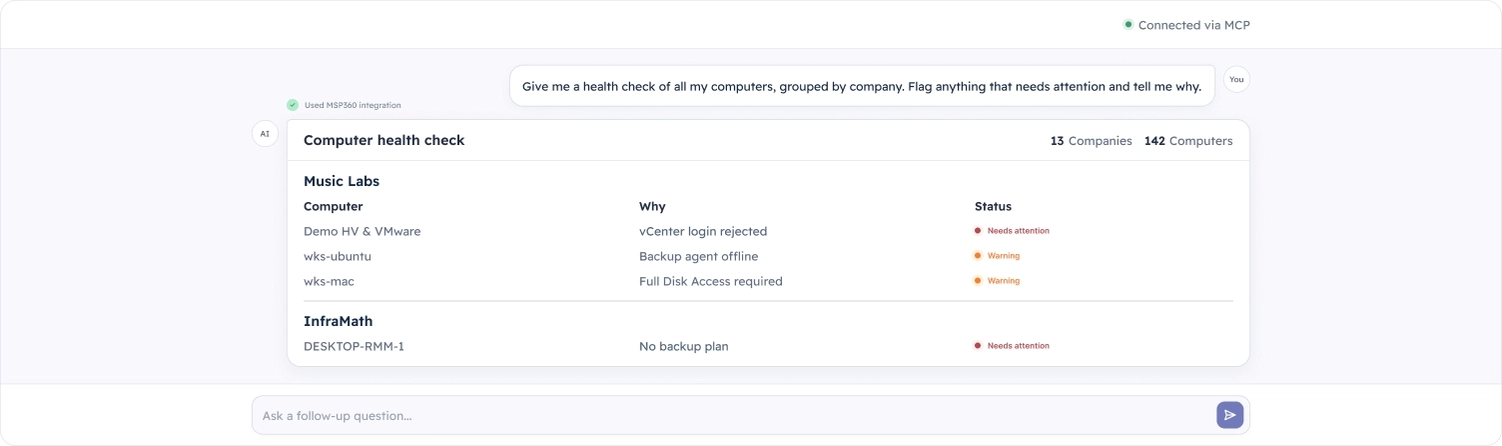
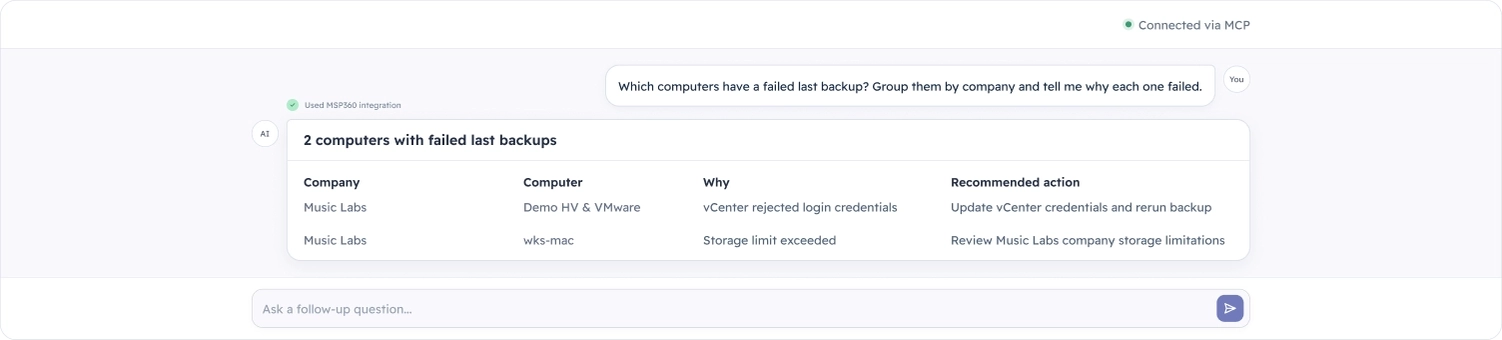
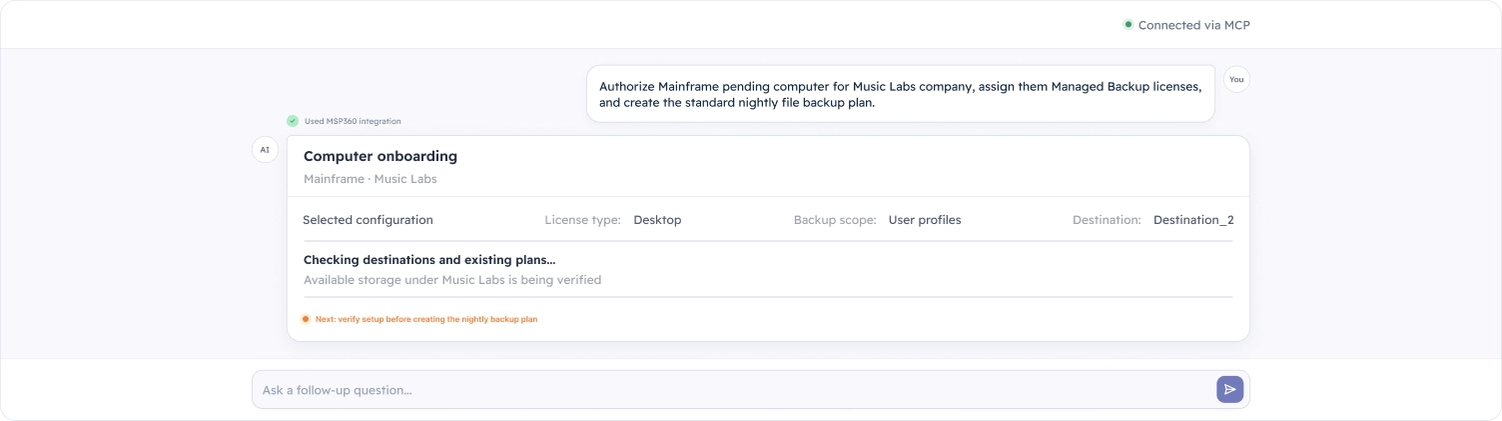
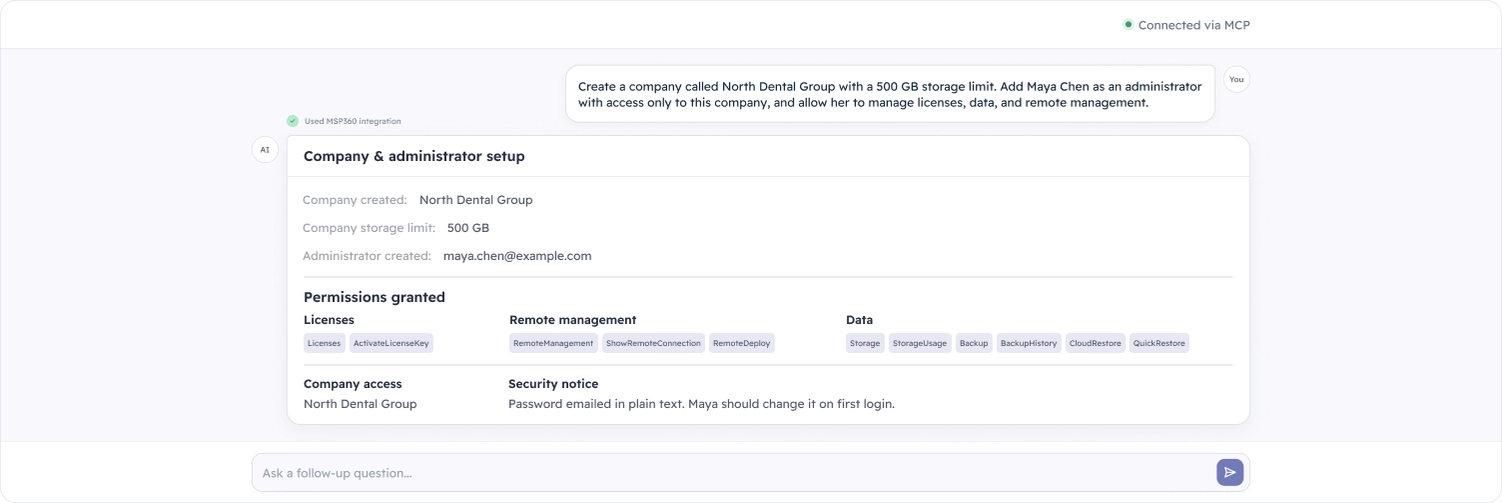
The MSP360 connector can retrieve backup information, monitor backup health, identify failures, generate reports, analyze storage usage, and help troubleshoot issues. When Full access is permitted, it can also perform supported management tasks such as authorizing computers, assigning licenses, creating companies, configuring administrators, and creating backup plans.
Can I Connect MSP360 Managed Backup to Both ChatGPT and Claude?
Yes. MSP360 Managed Backup currently supports connections to both
ChatGPT and
Claude through the MSP360 MCP server. You can use either supported AI assistant to work with MSP360 data and operations through natural-language requests.
Can the MSP360 MCP Server Generate Reports?
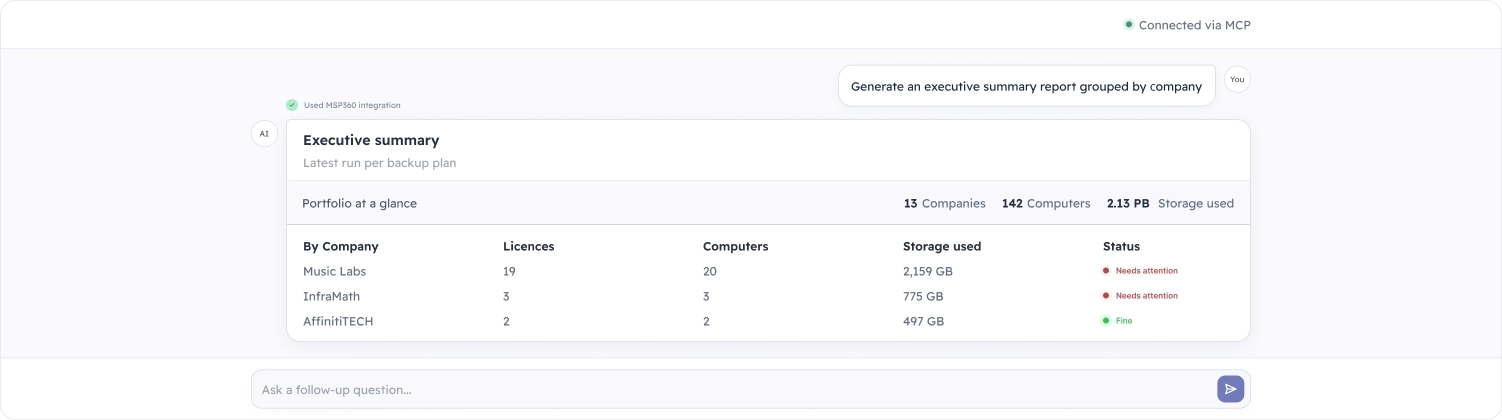
Yes. You can request reports for one company, several selected companies, or your entire Managed Backup environment. For example, you can ask for backup failures over a specific period, computers without recent successful backups, storage usage by company, or an executive summary grouped by customer.
Can the AI Assistant Make Changes to My Backup Environment?
Yes, when Full access is allowed. The action must also be permitted by the connected administrator’s existing MSP360 permissions. With Read-only access, the assistant can retrieve information, answer questions, and generate reports, but cannot create, modify, start, or delete anything.
Can I Use the MSP360 MCP Connection in Read-Only Mode?
Yes. MSP360 lets you set MCP access to Read-only account-wide or restrict individual administrators to Read-only access. In this mode, ChatGPT or Claude can work with supported backup data and generate reports without making changes to the Managed Backup environment.
How Is Access Controlled When I Connect an AI Assistant to MSP360?
MCP access is controlled at multiple levels. The account-wide setting defines the maximum MCP access available. Individual administrators can then be restricted further, and their existing MSP360 permissions continue to apply. The connected AI assistant cannot receive broader access than the administrator who connected it.
Does the MSP360 Connector Replace the Management Console?
No. It gives you another way to work with MSP360. Use ChatGPT or Claude when a conversational workflow is faster or more convenient, and use the MSP360 management console when you need visual oversight, detailed configuration, or functionality that is not currently available through the MCP integration.
Do I Need an Existing MSP360 Account?
Yes. You need an MSP360 account to connect Managed Backup to ChatGPT or Claude. Existing customers can connect their current environment. New users can start a Managed Backup trial, configure their environment, and then connect a supported AI assistant.
Do I Need a Paid ChatGPT or Claude Subscription?
No paid ChatGPT or Claude subscription is required to use the MSP360 connector. Usage limits and connector availability may still depend on the current terms of the AI assistant you choose.
Does the MSP360 MCP Server Support Google Gemini?
Not yet.
Google Gemini is not currently supported by the MSP360 MCP server. We’re actively working to expand support to additional AI assistants and want to make Gemini available as soon as possible.
Does the MSP360 MCP Server Support Microsoft Copilot?
Not yet.
Microsoft Copilot is not currently supported. We’re actively working on broader AI-assistant compatibility and plan to add support as soon as we can.
Does the MSP360 MCP Server Support OpenAI Codex?
Not yet.
Codex is not currently supported as an MSP360 MCP client. We’re working to expand the range of supported AI tools as quickly as possible.
Does the MSP360 MCP Server Support Grok by xAI?
Not yet.
Grok is not currently supported. We’re actively working to bring the MSP360 MCP server to more AI assistants, including Grok, as soon as possible.
Does the MSP360 MCP Server Support Meta AI?
Not yet.
Meta AI is not currently supported. We’re actively working on broader AI-assistant compatibility and plan to add support as soon as we can.